Dawn Gathering
Dawn Gathering

Dawn Gathering

Strategy

| SkyRise Digital Pte. Ltd.

Play on PC with BlueStacks or from our cloud

  • Overview
  • Game Features
  • How to Play

Page Modified On: November 12, 2026

Play Dawn Gathering on PC or Mac

Bring your A-game to Dawn Gathering, the Strategy game sensation from SkyRise Digital Pte. Ltd.. Give your gameplay the much-needed boost with precise game controls, high FPS graphics, and top-tier features on your PC or Mac with BlueStacks.

About the Game

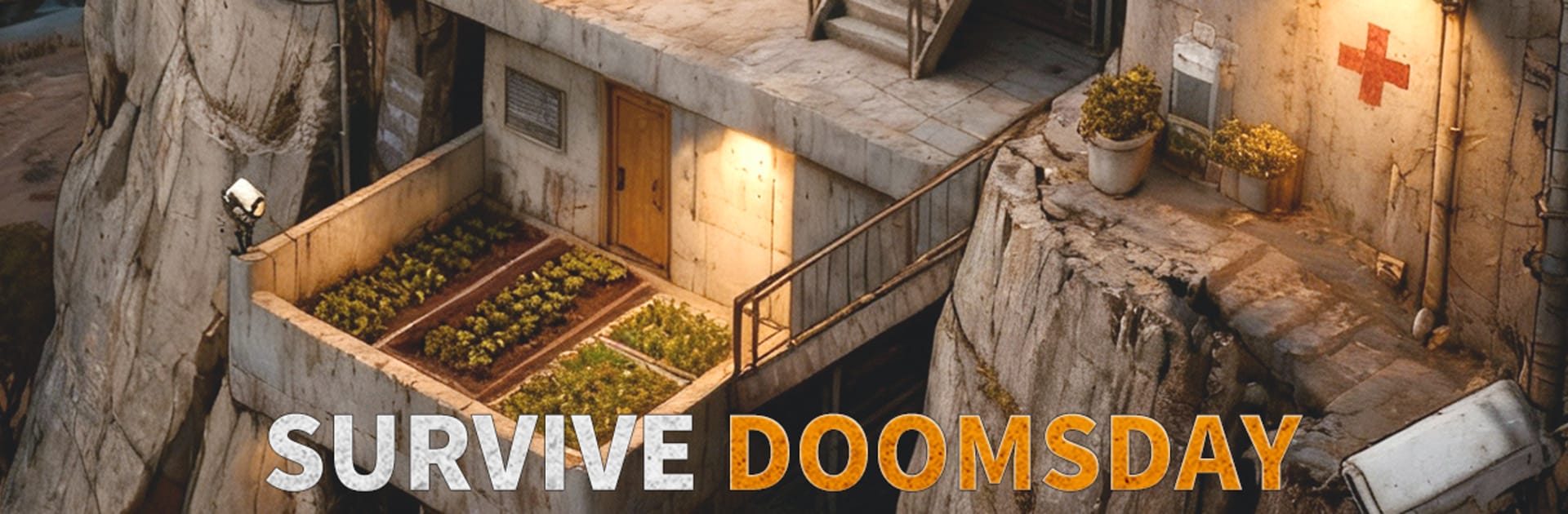
Dawn Gathering is a Strategy game about rebuilding under the ruins and pushing back against a world gone feral. Guide a band of survivors from an underground safehouse, scour the surface for supplies and old tech, and outthink mutated threats in tense, tactical fights. It’s gritty, flexible, and, if you want a bigger view, it runs nicely on PC with BlueStacks.

Game Features

  • Ruined world to explore: Roam through collapsed cities, rusted shipyards, eerie lockups, and shattered clinics while hunting for salvage, rare tech, and story clues.
  • Underground sanctuary building: Expand a hidden bunker, rescue people, assign jobs, and stack layered defenses to keep the next surge of horrors outside the door.
  • Tense tactical battles: Use cover, flanks, and timing to break swarms, trigger hero skills at the right moment, and turn bad odds into clean wins.
  • Survivor heroes with personality: Recruit specialists with distinct roles, tune their loadouts, and grow them from scrappy rookies into reliable leaders.
  • Alliance operations: Team up with neighbors, coordinate marches, share intel, and push back against mutants, raiders, and rival groups.
  • Map control and protection: Secure vital zones, guard supply lines, and reinforce allies when skirmishes threaten your borders.
  • Power grid management: Balance scarce energy to keep life-support, workshops, and defenses humming—just remember, the brighter your lights, the more eyes you attract.
  • Evolving challenges: Swap lineups and tactics to counter different enemy types and environments, from toxic pits to wind-swept ruins.

Start playing Dawn Gathering on BlueStacks and get a smoother, more comfortable PC or Mac setup.

Game Features

Enhancements

  • Macros
  • Multi Instance
  • Multi Instance Sync
  • Eco Mode
  • Enhancements
Macros

Macros

Skip the boring parts of a game. Play Dawn Gathering with Macros and get the edge. Simply record a sequence of commands and execute them at any moment.
Multi Instance

Multi Instance

Why limit to one game on your phone when you can play many on your PC? Open multiple instances of Dawn Gathering at once with Multi-Instance. Leverage the power of different accounts by doing more.
Multi Instance Sync

Multi Instance Sync

Get the best out of Dawn Gathering with Multi-Instance Sync. Play the game from different accounts and build your own empire. Use Multi-instance sync to repeat the action in the main BlueStacks instance on all other instances.
Eco Mode

Eco Mode

Find the rarest heroes by making multiple summons in Dawn Gathering. And while you are at it, reduce your PC’s resource consumption with the Eco Mode. Farm efficiently. Get the best results.
Read More

How to Download and Play Dawn Gathering on PC or Mac

  • Download and install BlueStacks on your PC or Mac

  • Complete Google sign-in to access the Play Store, or do it later

  • Look for Dawn Gathering in the search bar at the top right corner

  • Click to install Dawn Gathering from the search results

  • Complete Google sign-in (if you skipped step 2) to install Dawn Gathering

  • Click the Dawn Gathering icon on the home screen to start playing

video
Watch Video

Minimum System Requirements

With BlueStacks 5, you can get started on a PC that fulfills the following requirements.

  • Operating System

    Microsoft Windows 7 or above, macOS 11 (Big Sur) or above

  • Processor

    Intel, AMD or Apple Silicon Processor

  • RAM

    at least 4GB

  • HDD

    10GB Free Disk Space

Note:

* You must be an Administrator on your PC. Up to date graphics drivers from Microsoft or the chipset vendor.

Dawn Gathering - FAQs

  • How to play Dawn Gathering on Windows PC & Mac?

    Play Dawn Gathering on your PC or Mac by following these simple steps.

    • Click on 'Play Dawn Gathering on PC’ to download BlueStacks
    • Install it and log-in to Google Play Store
    • Launch and play the game.
  • Why is BlueStacks the fastest and safest platform to play games on PC?

    BlueStacks respects your privacy and is always safe and secure to use. It does not carry any malware, spyware, or any sort of additional software that could harm your PC.

    It is engineered to optimize speed and performance for a seamless gaming experience.

  • What are Dawn Gathering PC requirements?

    Minimum requirement to run Dawn Gathering on your PC

    • OS: Microsoft Windows 7 or above MacOS 11 (Big Sur) or above
    • Processor: Intel, AMD or Apple Silicon Processor
    • RAM: Your PC must have at least 4GB of RAM. (Note that having 4GB or more disk space is not a substitute for RAM)
    • HDD: 10GB Free Disk Space.
    • You must be an Administrator on your PC.
