Cubedoku: Sudoku n Minesweeper

Cubedoku: Sudoku n Minesweeper

Puzzle

| Pleasure City

Play on PC with BlueStacks or from our cloud

  • Overview
  • Game Features
  • How to Play

Page Modified On: September 18, 2026

Play Cubedoku: Sudoku n Minesweeper on PC or Mac

Step into the World of Cubedoku: Sudoku n Minesweeper, a thrilling Puzzle game from the house of Pleasure City. Play this Android game on BlueStacks App Player and experience immersive gaming on PC or Mac.

About the Game

Cubedoku: Sudoku n Minesweeper is a Puzzle twist where cute cube characters (the Cubies) take the place of numbers. Your job? Give each Cubie its own spot on a color-blocked grid using pure logic—no timers, no guesses, just clean deduction. It’s the kind of brain-pleasing challenge you can settle into anywhere, and it runs smoothly on BlueStacks if you prefer playing on a bigger screen.

Game Features

  • Pure deduction, no numbers: Solve each board by placing Cubies so every color zone has exactly one, and no two share a row or column—simple rules with satisfyingly smart solutions.
  • One solution per level: Every puzzle is handcrafted by logic, not luck, so careful scanning and elimination always lead to the answer.
  • Gentle difficulty curve: Start with approachable grids and build up to trickier layouts that reward patience and sharp reasoning.
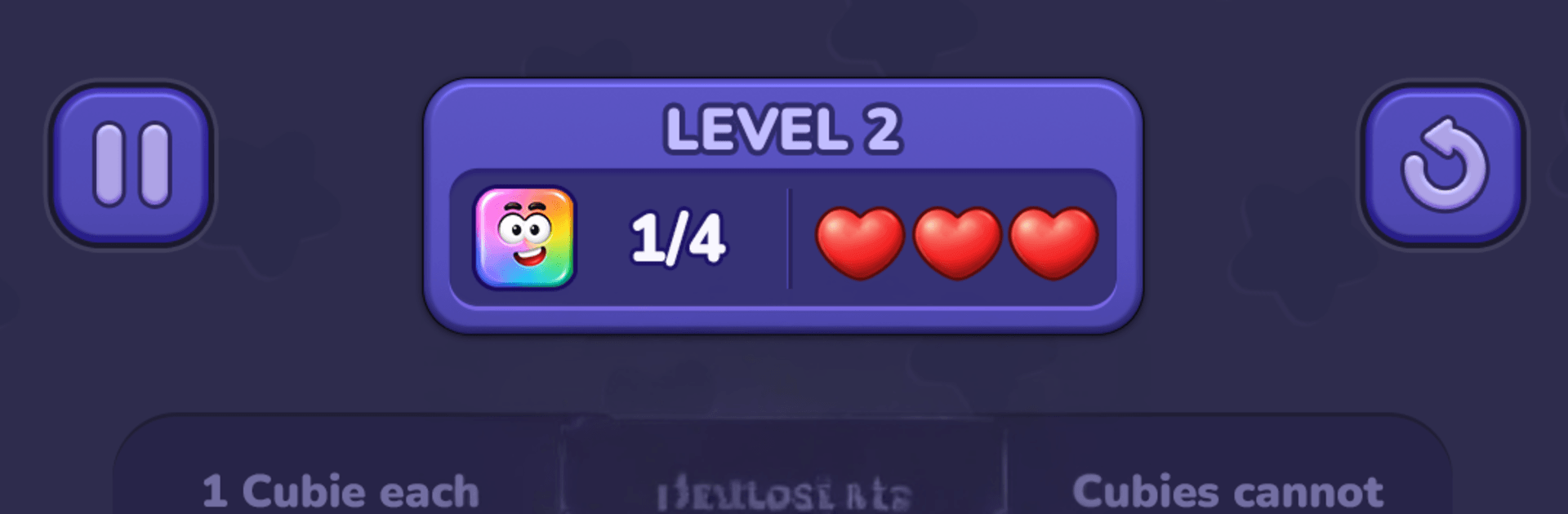
  • Three-heart safety net: Make a wrong move and you’ll lose a heart; run out and you’ll restart—just enough pressure to keep choices thoughtful.
  • Quick, comfy controls: Tap to try, double-tap to place, and watch the board evolve as patterns click and contradictions vanish.
  • Calming look and feel: Expressive Cubies, tidy colors, and smooth animations turn solving into a relaxed mental reset.
  • Endless fresh boards: Procedurally generated layouts keep the logic flowing day after day, so there’s always something new to figure out.
  • Play offline anytime: No connection needed, making it perfect for quick sessions or long, quiet stretches.
  • Helpful, optional boosts: Use Hint to spotlight where logic applies, or Reveal a Cubie to break a stalemate—both designed to nudge, not spoil.
  • Subtle PC-friendly option: Prefer a larger display and comfy controls? It plays great on BlueStacks without changing the core feel.

BlueStacks gives you more room to focus on the game and less time adjusting around mobile limitations.

Game Features

Enhancements

  • Macros
  • Multi Instance
  • Multi Instance Sync
  • Script
  • Enhancements
Macros

Macros

Automate the predictable in Cubedoku: Sudoku n Minesweeper and transform your gameplay with Macros. Get access to inventive Macros in the BlueStacks Macro Community
Multi Instance

Multi Instance

Play Cubedoku: Sudoku n Minesweeper on one window. And chat with your friend on the other. Press CTRL + Shift + 8 to open the Multi-Instance Manager. And start creating fresh instances or clone an existing one.
Multi Instance Sync

Multi Instance Sync

Play Cubedoku: Sudoku n Minesweeper with the power of Multi-Instance Sync. Replicate what you are doing on the main instance on all other instances. Level up faster, play more.
Script

Script

Script your way to gaming glory in Cubedoku: Sudoku n Minesweeper with BlueStacks Script. Write and run a set of commands to automate repeated tasks. Trigger the command by assigning it to any key.
Read More

How to Download and Play Cubedoku: Sudoku n Minesweeper on PC or Mac

  • Download and install BlueStacks on your PC or Mac

  • Complete Google sign-in to access the Play Store, or do it later

  • Look for Cubedoku: Sudoku n Minesweeper in the search bar at the top right corner

  • Click to install Cubedoku: Sudoku n Minesweeper from the search results

  • Complete Google sign-in (if you skipped step 2) to install Cubedoku: Sudoku n Minesweeper

  • Click the Cubedoku: Sudoku n Minesweeper icon on the home screen to start playing

video
Watch Video

Minimum System Requirements

With BlueStacks 5, you can get started on a PC that fulfills the following requirements.

  • Operating System

    Microsoft Windows 7 or above, macOS 11 (Big Sur) or above

  • Processor

    Intel, AMD or Apple Silicon Processor

  • RAM

    at least 4GB

  • HDD

    10GB Free Disk Space

Note:

* You must be an Administrator on your PC. Up to date graphics drivers from Microsoft or the chipset vendor.

Cubedoku: Sudoku n Minesweeper - FAQs

  • How to play Cubedoku: Sudoku n Minesweeper on Windows PC & Mac?

    Play Cubedoku: Sudoku n Minesweeper on your PC or Mac by following these simple steps.

    • Click on 'Play Cubedoku: Sudoku n Minesweeper on PC’ to download BlueStacks
    • Install it and log-in to Google Play Store
    • Launch and play the game.
  • Why is BlueStacks the fastest and safest platform to play games on PC?

    BlueStacks respects your privacy and is always safe and secure to use. It does not carry any malware, spyware, or any sort of additional software that could harm your PC.

    It is engineered to optimize speed and performance for a seamless gaming experience.

  • What are Cubedoku: Sudoku n Minesweeper PC requirements?

    Minimum requirement to run Cubedoku: Sudoku n Minesweeper on your PC

    • OS: Microsoft Windows 7 or above MacOS 11 (Big Sur) or above
    • Processor: Intel, AMD or Apple Silicon Processor
    • RAM: Your PC must have at least 4GB of RAM. (Note that having 4GB or more disk space is not a substitute for RAM)
    • HDD: 10GB Free Disk Space.
    • You must be an Administrator on your PC.
