


Markup R-XP for Cross Stitch
Play on PC with BlueStacks – the Android Gaming Platform, trusted by 500M+ gamers.

Page Modified on: Oct 26, 2026
Play Markup R-XP for Cross Stitch on PC
Markup R-XP is a cross stitch pattern tracker that turns your PDF, paper, book and magazine cross stitch patterns into digital charts you can zoom, highlight and mark off as you stitch. No more taping pages together, no more highlighter on your paper patterns, and no more hunting for the square you stopped on.
Join thousands of stitchers who've made their cross stitch charts easier to follow. Try it free for 14 days.
STITCH THE CHARTS YOU ALREADY OWN
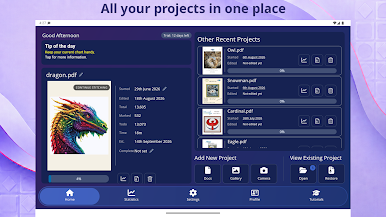
Your cross stitch charts, from any designer, in one digital workspace.
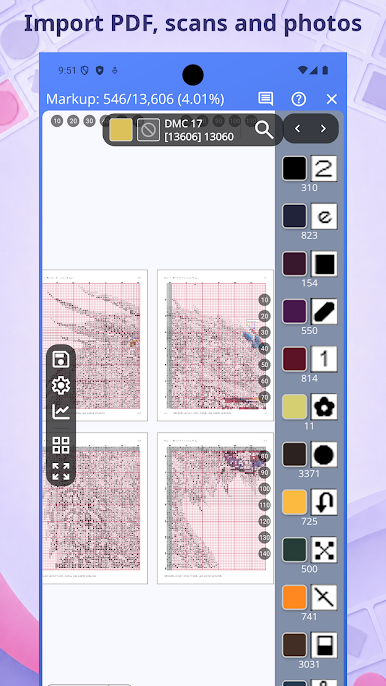
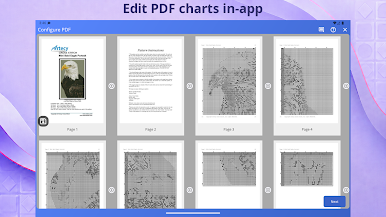
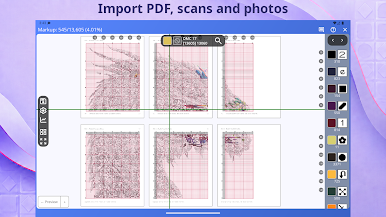
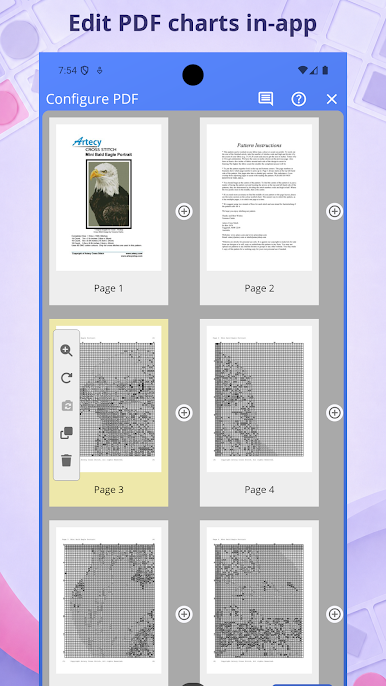
• PDF pattern import: open cross stitch PDFs from independent designers, Etsy shops and major publishers
• Paper, book and magazine scanning: photograph a printed pattern and Markup R-XP lines it up into a digital grid
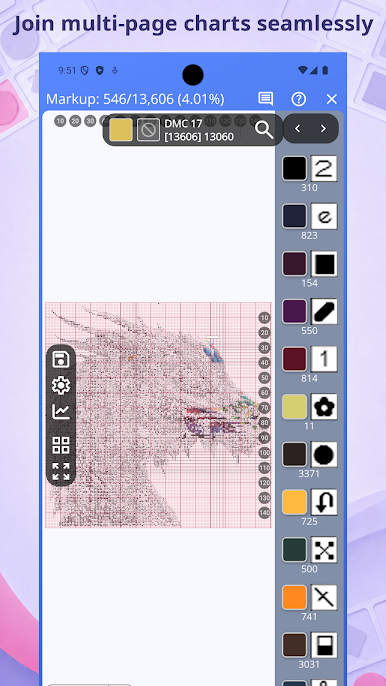
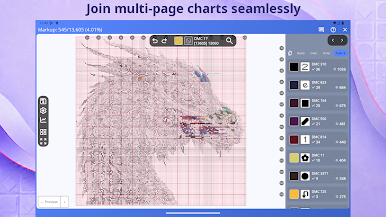
• Full Chart mode: join multi-page charts into one continuous chart, so page joins stop being a counting puzzle
• Free cross stitch charts included: start stitching straight away with ready-to-go designer charts
NEVER LOSE YOUR PLACE
Spend less time finding your place and more time enjoying every stitch.
• Last-stitch marker: reopen your project and pick up where you stopped
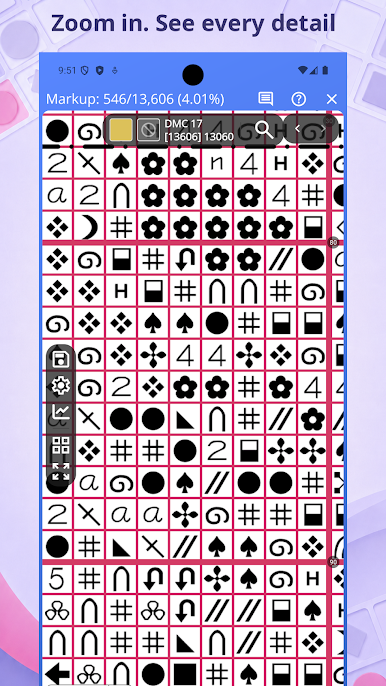
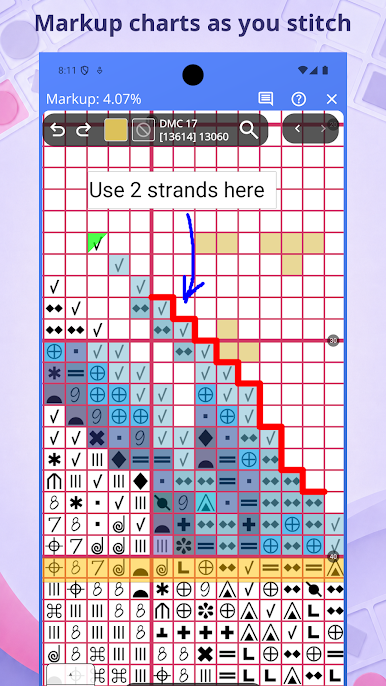
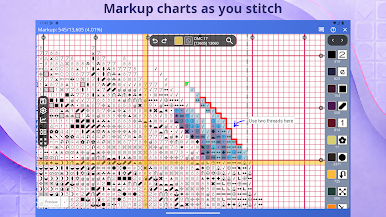
• Symbol highlighting: tap a symbol to light up every matching stitch across the whole chart
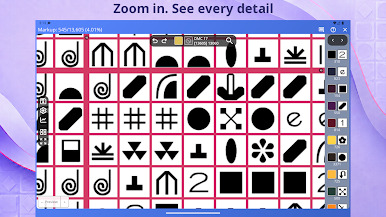
• Detailed zoom: zoom right in on tiny symbols and busy confetti sections
MADE FOR THE WAY YOU STITCH
From a beginner's first kit to a full-coverage piece.
• Parking method: track parked threads with your own markers, ideal for full-coverage and confetti-heavy charts
• Backstitch layer: mark backstitch separately, with snap-to-grid, solid or dashed lines
• Fractional stitches: track them alongside your full stitches
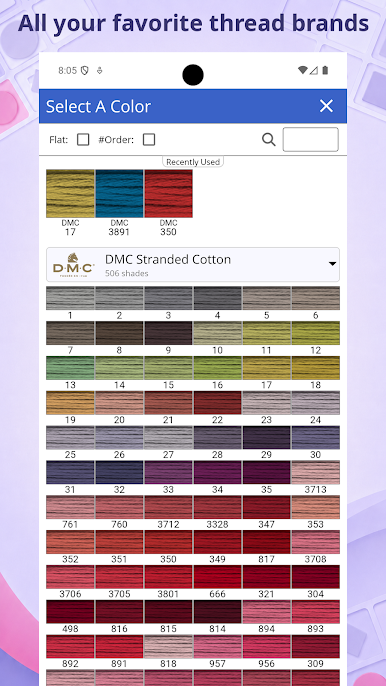
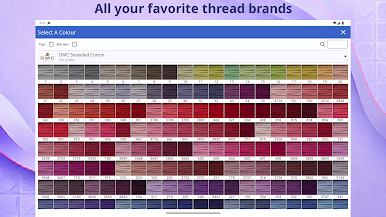
• Thread palettes: DMC, Anchor, Madeira and other floss ranges built in
• Stitch-alongs (SAL): add new chart parts as they release without losing your progress
WATCH YOUR PROGRESS GROW
Make every stitching session count.
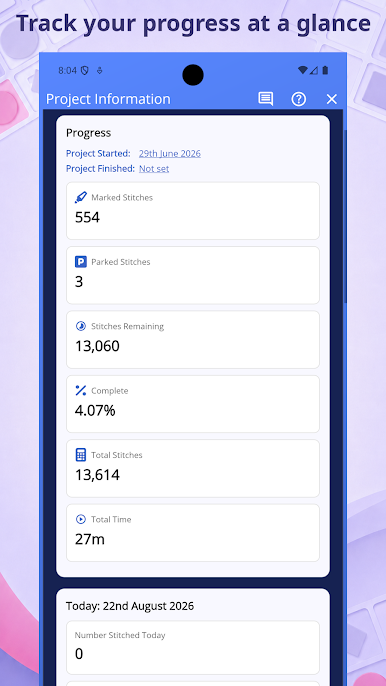
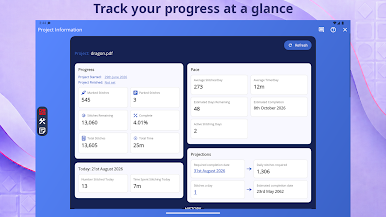
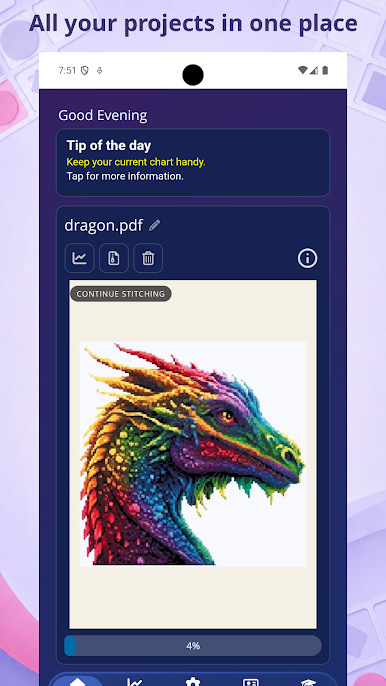
• Track stitches completed, stitches remaining and percentage done
• Set daily goals and keep your stitching streak going
• See every WIP move closer to a finished piece
YOUR STITCHING WORKSPACE ON ANDROID
• Works on Android phones and tablets
• Back up and transfer projects between supported devices
MADE FOR CROSS STITCHERS
Markup R-XP is built by a dedicated small team. Join our global stitching community to share tips, find help and get more from your cross stitch and embroidery projects.
Questions or feedback? Contact us at [email protected] or visit markuprxp.co.uk

Play Markup R-XP for Cross Stitch on PC. It’s easy to get started.
-
Download and install BlueStacks on your PC
-
Complete Google sign-in to access the Play Store, or do it later
-
Look for Markup R-XP for Cross Stitch in the search bar at the top right corner
-
Click to install Markup R-XP for Cross Stitch from the search results
-
Complete Google sign-in (if you skipped step 2) to install Markup R-XP for Cross Stitch
-
Click the Markup R-XP for Cross Stitch icon on the home screen to start playing


