


Twisted Story
Play on PC with BlueStacks – the Android Gaming Platform, trusted by 500M+ gamers.

Page Modified on: Oct 14, 2026
Overview
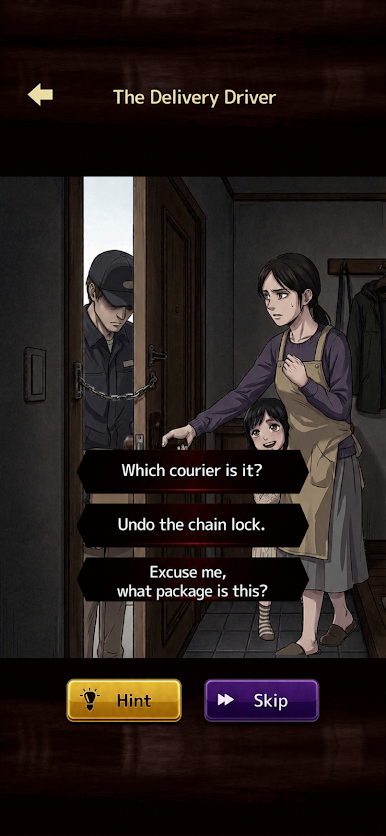
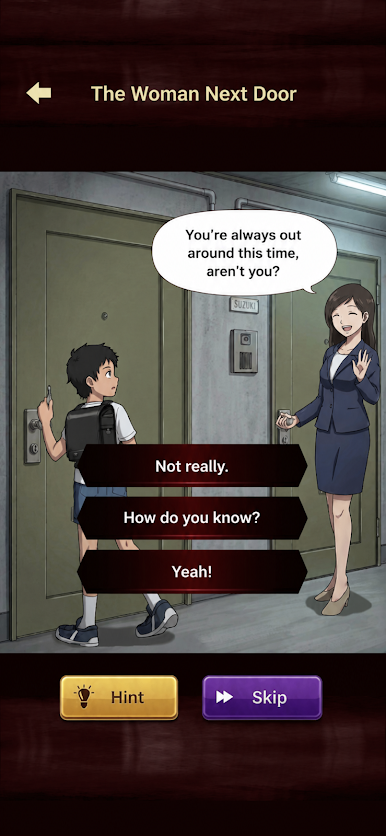
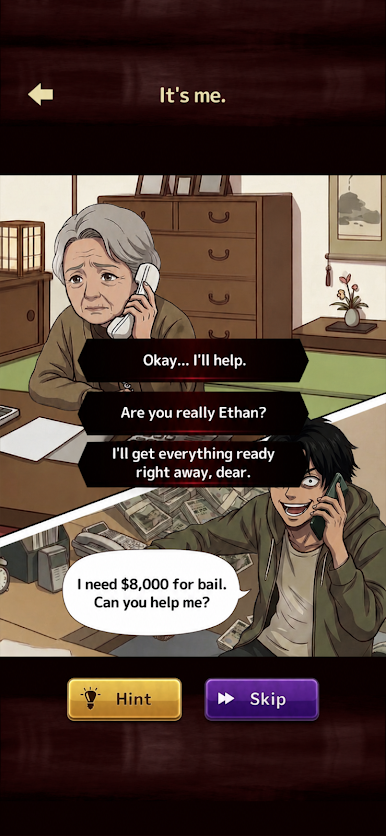
You're just having an ordinary conversation…
and yet, something feels unsettling.
Their replies.
A small sense that something is wrong.
A casual choice.
If you miss that feeling,
it may lead to a terrifying outcome.
Read the situation carefully,
avoid provoking the other person,
and stay out of danger.
Download it now!
EU / California users can opt-out under GDPR / CCPA.
Please respond from the pop-up displayed when starting in the app or within the settings in the app.
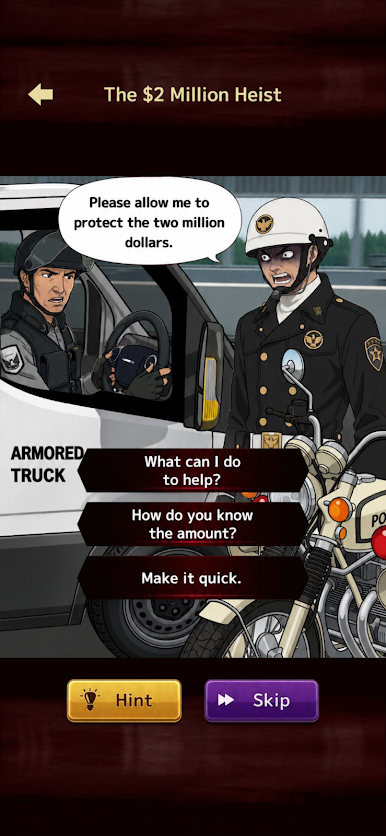
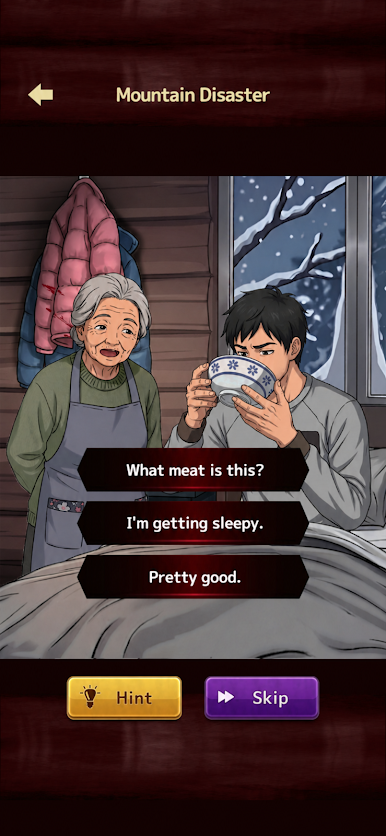
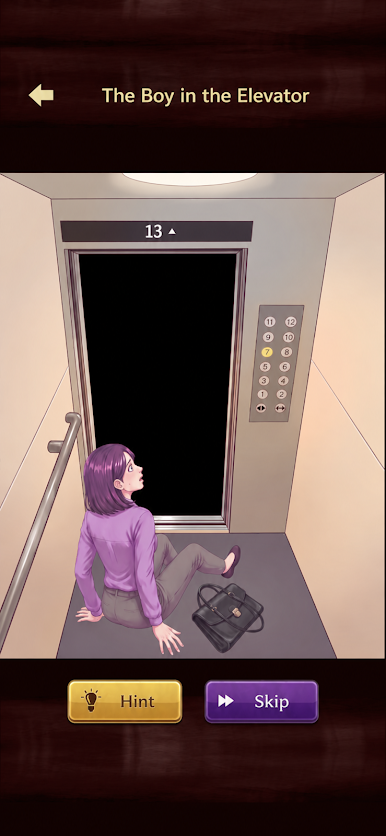
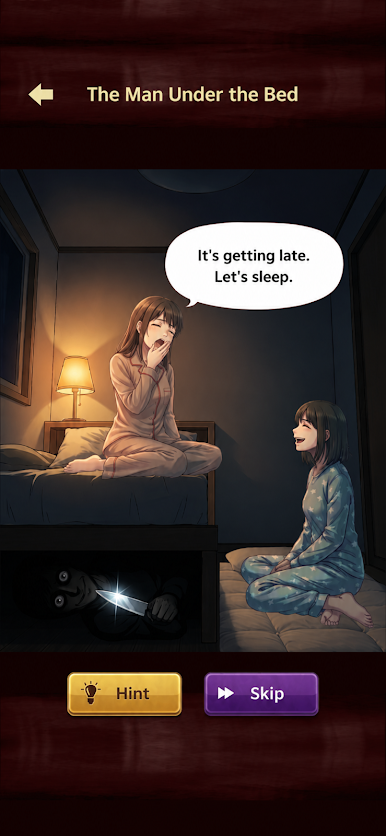
Play Twisted Story on PC. It’s easy to get started.
-
Download and install BlueStacks on your PC
-
Complete Google sign-in to access the Play Store, or do it later
-
Look for Twisted Story in the search bar at the top right corner
-
Click to install Twisted Story from the search results
-
Complete Google sign-in (if you skipped step 2) to install Twisted Story
-
Click the Twisted Story icon on the home screen to start playing


