


MyCard
Play on PC with BlueStacks – the Android Gaming Platform, trusted by 500M+ gamers.

Page Modified on: Oct 25, 2026
Overview
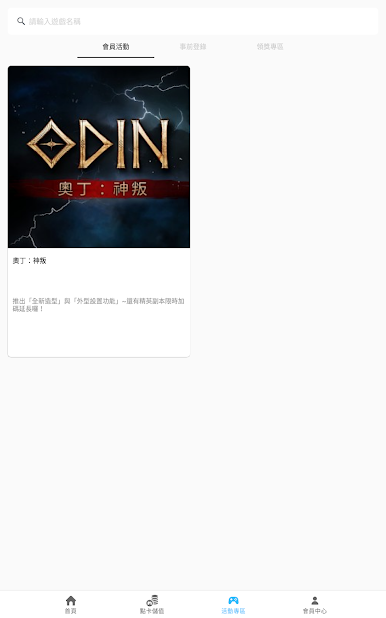
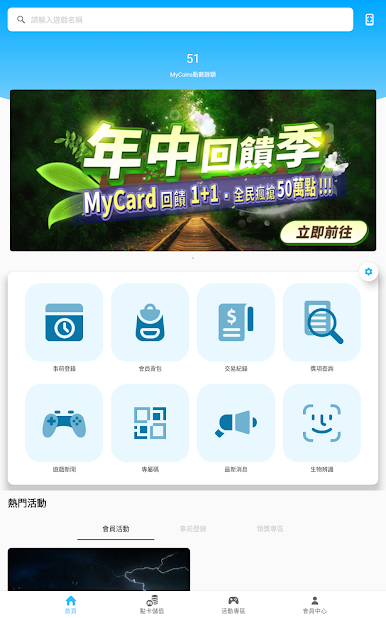
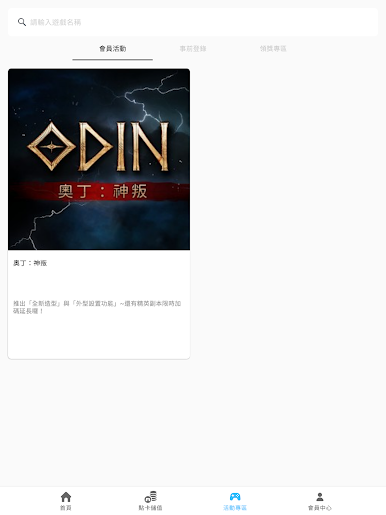
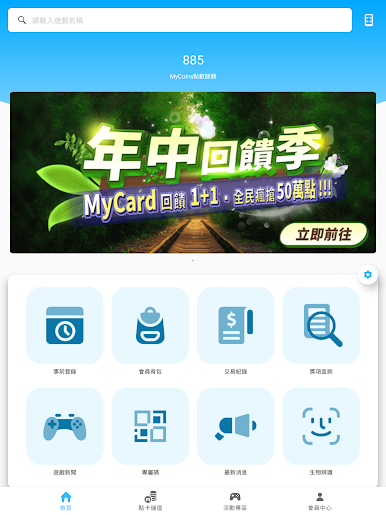
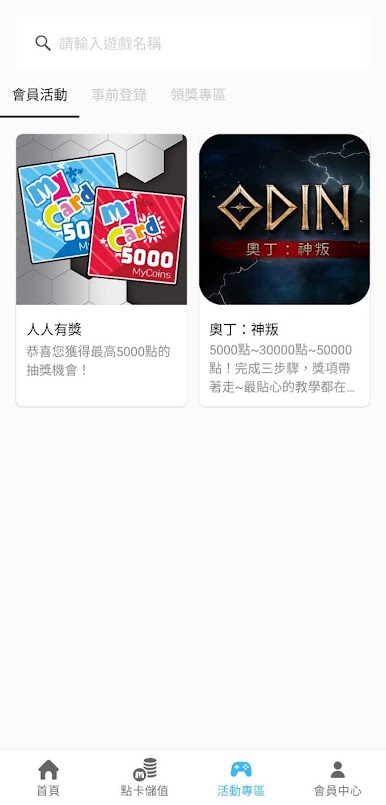
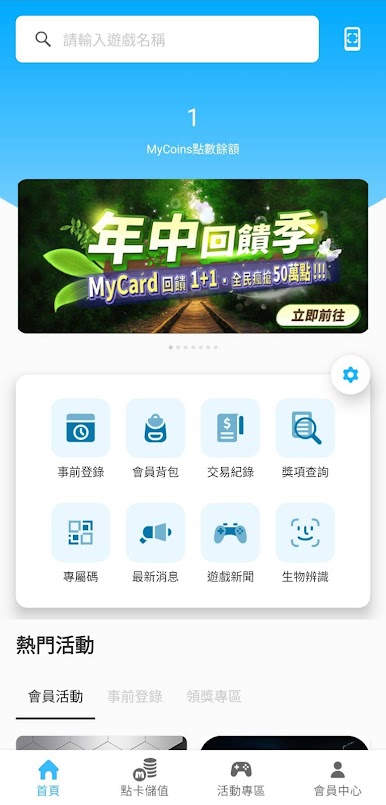
The latest MyCard discount information-Open your MyCard App to get the latest exclusive good-for-life activities.
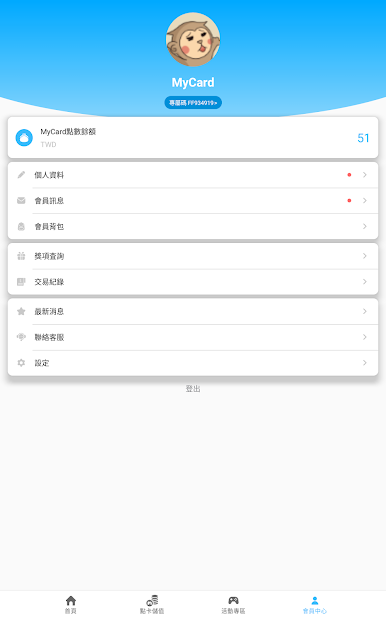
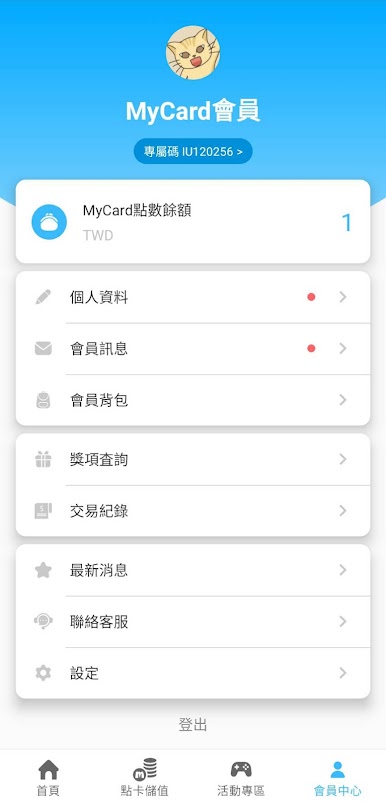
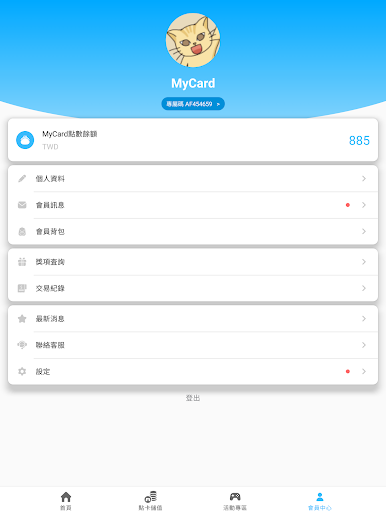
MyCard Member Registration/Login – Join a good MyCard member right here.
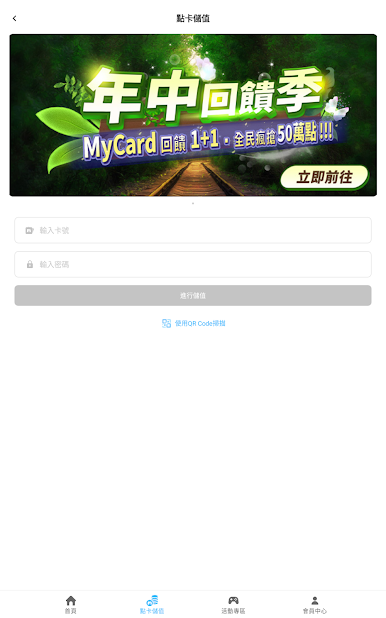
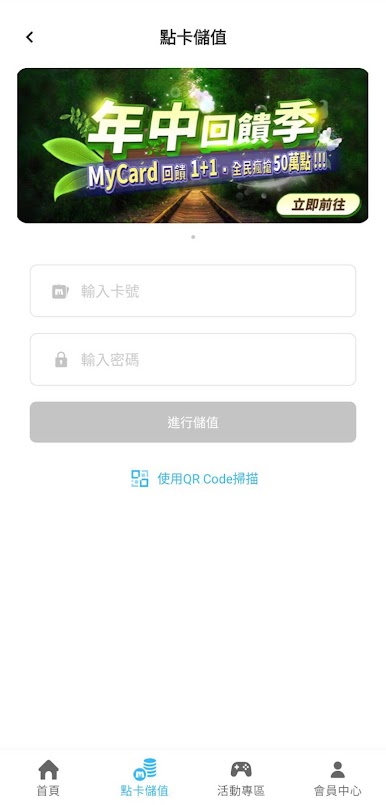
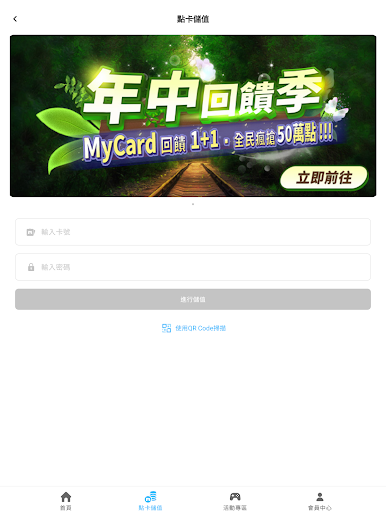
Provide point card storage/purchase points-check the points and directly deposit the hot points into your account.
QRCode Scanning Stored Value-It is convenient to scan QRCode directly without manually inputting points.
We are adding more fun features, so stay tuned!
[Official website]: https://www.mycard520.com
[Official fan club]: https://www.facebook.com/MyCard520
[Customer service mailbox]: [email protected]
Play MyCard on PC. It’s easy to get started.
-
Download and install BlueStacks on your PC
-
Complete Google sign-in to access the Play Store, or do it later
-
Look for MyCard in the search bar at the top right corner
-
Click to install MyCard from the search results
-
Complete Google sign-in (if you skipped step 2) to install MyCard
-
Click the MyCard icon on the home screen to start playing


