


Soccer 6
Play on PC with BlueStacks – the Android Gaming Platform, trusted by 500M+ gamers.

Page Modified on: Nov 6, 2026
Overview
In this initial phase, the server is designed exclusively for the Android version and will focus on the original, unpatched game, offering a pure, nostalgic gaming experience.
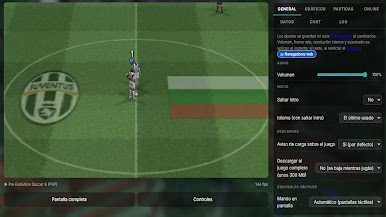
The developer is OptiProjects, known for optimizing games for smaller teams, who published their work on their own website with online rooms, configurable controls, and an experimental option to improve the visual fluidity of the classic online game.
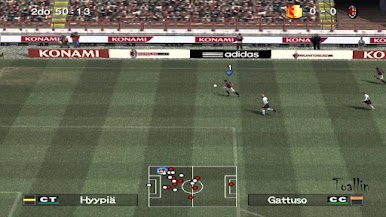
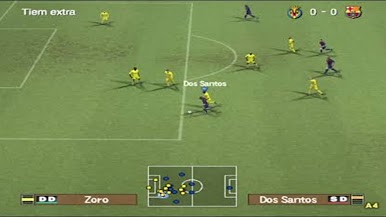
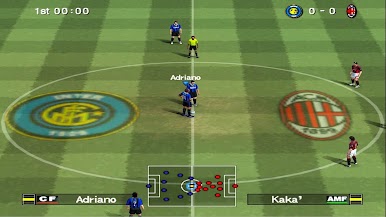
Almost twenty years after its release, this port brings that experience to a browser tab. Instant access removes barriers and allows you to organize matches with friends without prior downloads, emulators, or external files required to play right now for free.
Behind this initiative is OptiProjects, also known as OptiJuegos and OptiCraft.

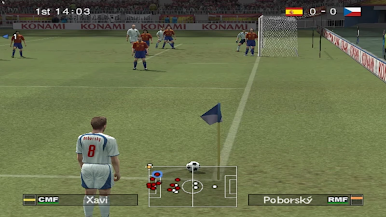
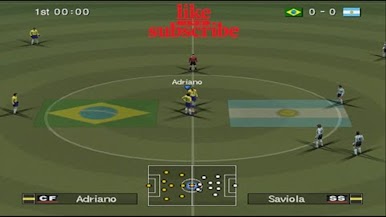
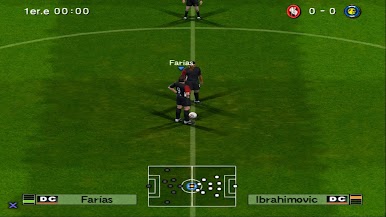
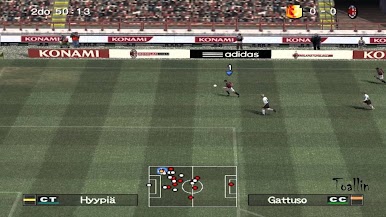
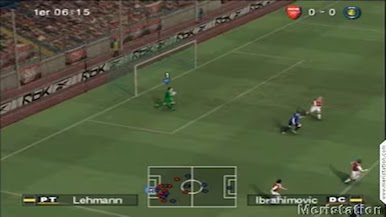
Play Soccer 6 on PC. It’s easy to get started.
-
Download and install BlueStacks on your PC
-
Complete Google sign-in to access the Play Store, or do it later
-
Look for Soccer 6 in the search bar at the top right corner
-
Click to install Soccer 6 from the search results
-
Complete Google sign-in (if you skipped step 2) to install Soccer 6
-
Click the Soccer 6 icon on the home screen to start playing


