


RV Camper:Long Drive Simulator
Play on PC with BlueStacks – the Android Gaming Platform, trusted by 500M+ gamers.

Page Modified on: Nov 19, 2026
Overview
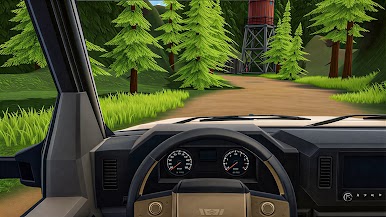
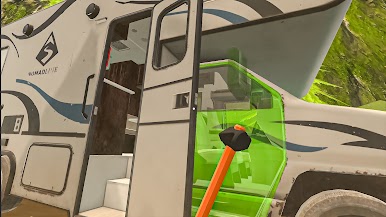
In this immersive road trip driving simulator, players must complete different missions that require focus, control and timing. Whether you are navigating tight turns, avoiding obstacles or completing long-distance routes, each level pushes your abilities to the next level. The game is designed to give players a true sense of handling a large vehicle while maintaining balance and control.
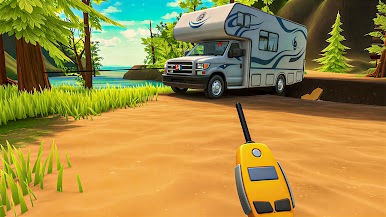
As you progress, you will unlock new challenges that include RV parking missions, delivery tasks and time-based driving objectives. Precision becomes key as you attempt to park in narrow spaces and handle complex driving situations. These tasks make the game more engaging and rewarding for players who enjoy skill-based gameplay.
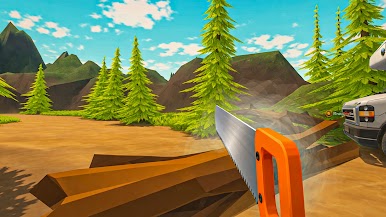
The game also offers a wide range of environments, including mountains, deserts and offroad paths, making it a complete camper van driving adventure. Each location is carefully designed to enhance realism and provide a visually satisfying experience. Players can enjoy both relaxing drives and intense challenges depending on their play style.
Play RV Camper:Long Drive Simulator on PC. It’s easy to get started.
-
Download and install BlueStacks on your PC
-
Complete Google sign-in to access the Play Store, or do it later
-
Look for RV Camper:Long Drive Simulator in the search bar at the top right corner
-
Click to install RV Camper:Long Drive Simulator from the search results
-
Complete Google sign-in (if you skipped step 2) to install RV Camper:Long Drive Simulator
-
Click the RV Camper:Long Drive Simulator icon on the home screen to start playing


