


Color by Number:Coloring Games
Play on PC with BlueStacks – the Android Gaming Platform, trusted by 500M+ gamers.

Page Modified on: Nov 18, 2026
Overview
🌟 Key Features:
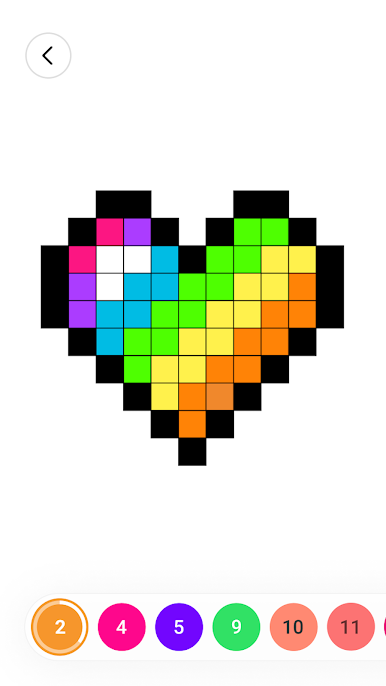
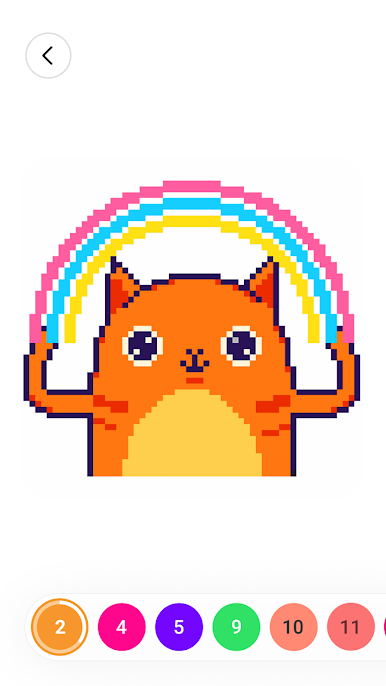
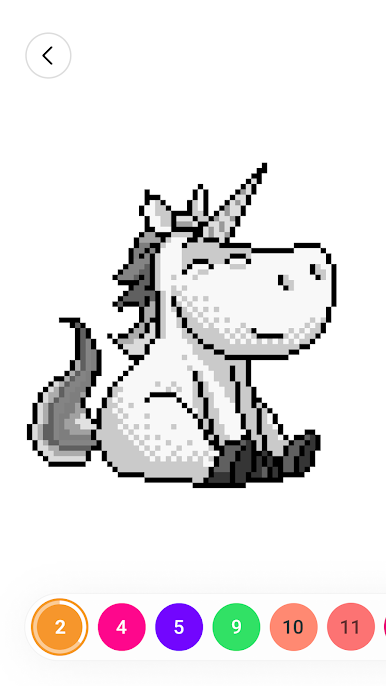
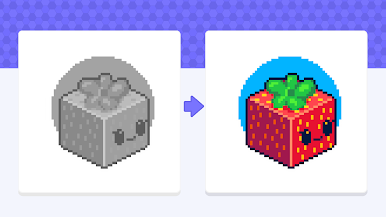
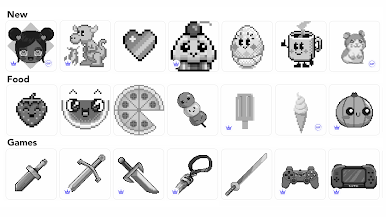
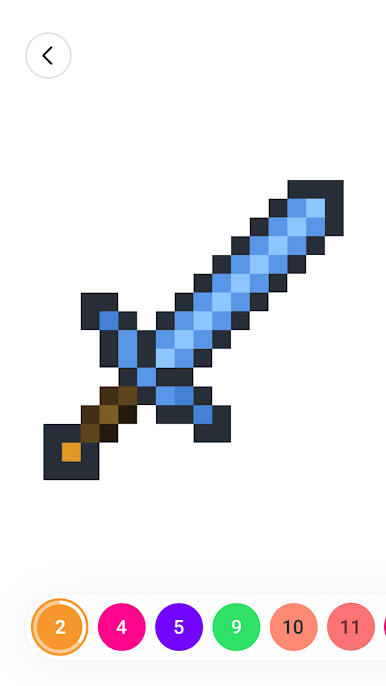
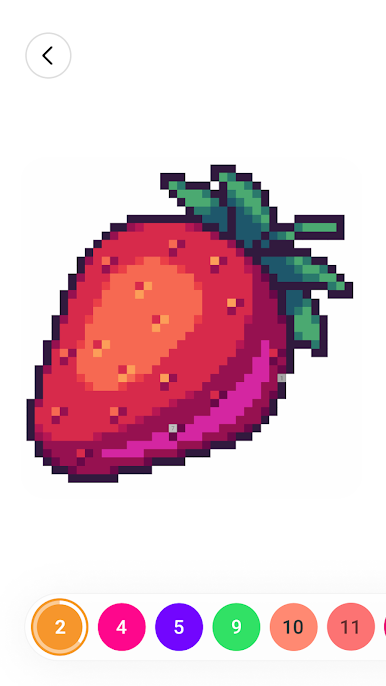
• Easy color by number: Dive into a wide variety of pixel art images designed for both beginners and experienced colorists, featuring popular themes and unique content.
• Create unique images: Import pictures from your gallery or snap a photo to turn your memories into color by number masterpieces.
• Community sharing: Share your color by number creations and discover other users' pixel art in our thriving community of coloring enthusiasts.
• Diverse painting tools: Experiment with different tools to make coloring and drawing more fun and efficient.
• Inclusive and diverse art: Immerse yourself in a rich variety of color by number art from different cultures and artists, promoting creativity and inclusiveness.
• Antistress and relaxation: Enjoy the calming effects of art therapy as you unwind with our engaging and satisfying color by number game.
🖌️ Get ready to relax and express your creativity with this free coloring game that combines the joy of art with the benefits of stress relief. Whether you're a seasoned artist or just looking for a peaceful pastime, Color by Number: Coloring Game offers an engaging and satisfying experience for everyone. Download now and start your colorful journey today!


Play Color by Number:Coloring Games on PC. It’s easy to get started.
-
Download and install BlueStacks on your PC
-
Complete Google sign-in to access the Play Store, or do it later
-
Look for Color by Number:Coloring Games in the search bar at the top right corner
-
Click to install Color by Number:Coloring Games from the search results
-
Complete Google sign-in (if you skipped step 2) to install Color by Number:Coloring Games
-
Click the Color by Number:Coloring Games icon on the home screen to start playing


