


OddSight: Horror Story
Play on PC with BlueStacks – the Android Gaming Platform, trusted by 500M+ gamers.

Page Modified on: Nov 4, 2026
Overview
A familiar classroom. A quiet train ride. An ordinary family photo. Look closer, and the details tell a different story.
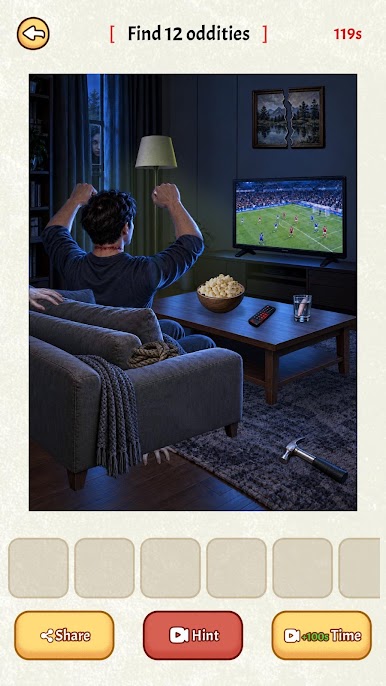
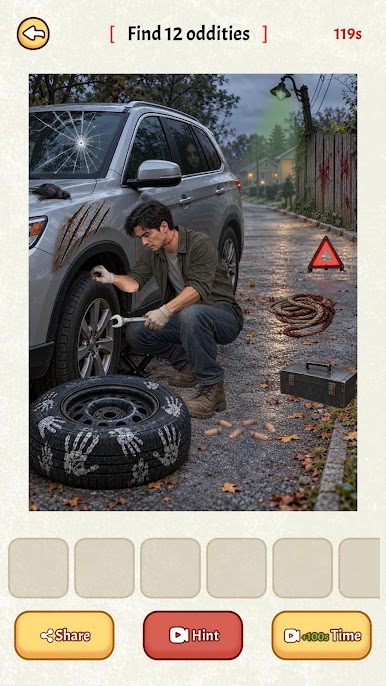
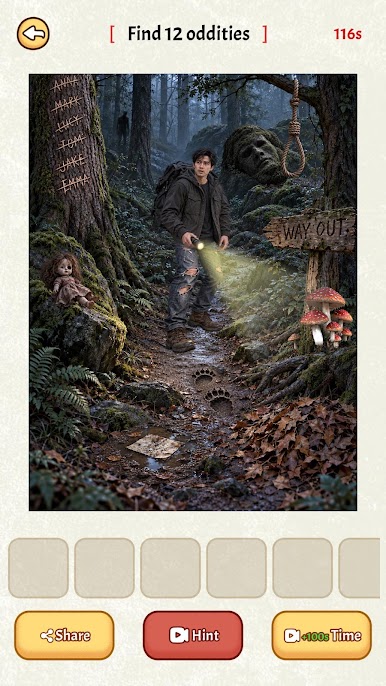
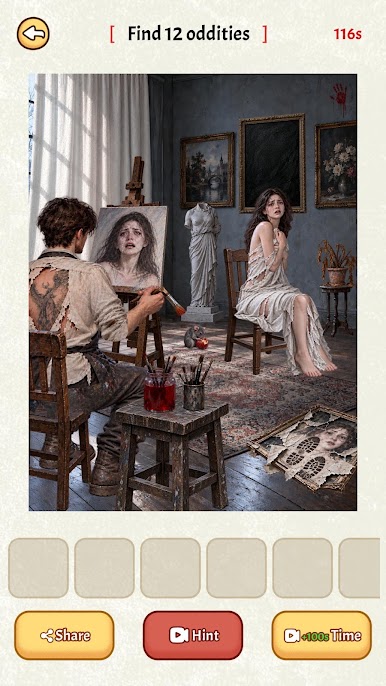
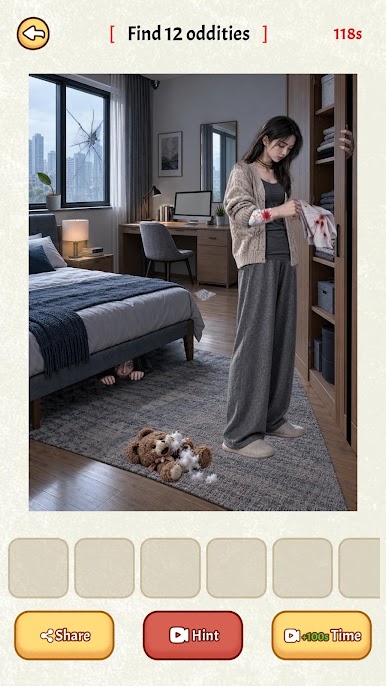
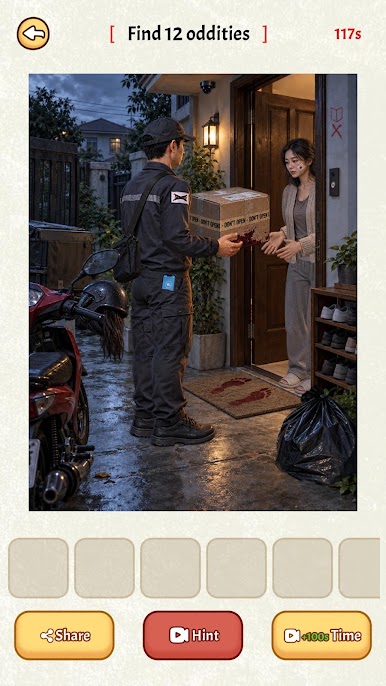
Welcome to OddHunt: Mystery Puzzle, an eerie observation game where everyday scenes hide unsettling secrets. Search for strange objects, suspicious behavior, and things that simply shouldn't be there. A reflection that doesn't match. A mysterious message. A shadow with no owner. How much will you notice?
🔎 FIND WHAT DOESN'T BELONG
Study each scene and spot its hidden anomalies. Some details stand out immediately, while others take a sharp eye and a second look.
👆 TAP, SWIPE, AND REVEAL
Interact with objects to uncover what lies beneath the surface. Move a covering, inspect a photograph, or open a mysterious note. Some secrets only appear when you reach out and explore.
👁️ WATCH THE SCENE CLOSELY
Flickering lights, subtle movements, and shifting expressions make familiar places feel uneasy. Pay attention to the people and objects around you—you might catch something you missed before.
🚪 EXPLORE UNSETTLING PLACES
Investigate train stations, classrooms, elevators, shops, and more. Each setting brings a different collection of strange details waiting to be discovered.
🧩 HOW TO PLAY
• Observe the entire scene carefully.
• Tap suspicious details to investigate them.
• Swipe interactive objects to reveal hidden clues.
• Find the anomalies and complete each puzzle.
If you enjoy hidden object games, visual puzzles, and creepy mysteries, put your observation skills to the test in OddHunt: Mystery Puzzle.
Look closely. The strangest things can hide in plain sight.

Play OddSight: Horror Story on PC. It’s easy to get started.
-
Download and install BlueStacks on your PC
-
Complete Google sign-in to access the Play Store, or do it later
-
Look for OddSight: Horror Story in the search bar at the top right corner
-
Click to install OddSight: Horror Story from the search results
-
Complete Google sign-in (if you skipped step 2) to install OddSight: Horror Story
-
Click the OddSight: Horror Story icon on the home screen to start playing


