


Beat Ball Rush: Pop Music
Play on PC with BlueStacks – the Android Gaming Platform, trusted by 500M+ gamers.

Page Modified on: Dec 17, 2025
Overview
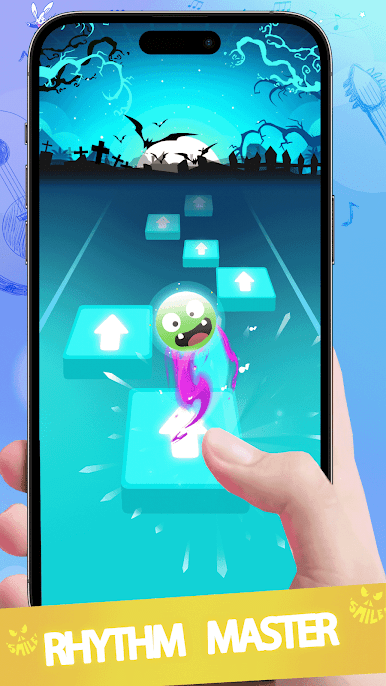
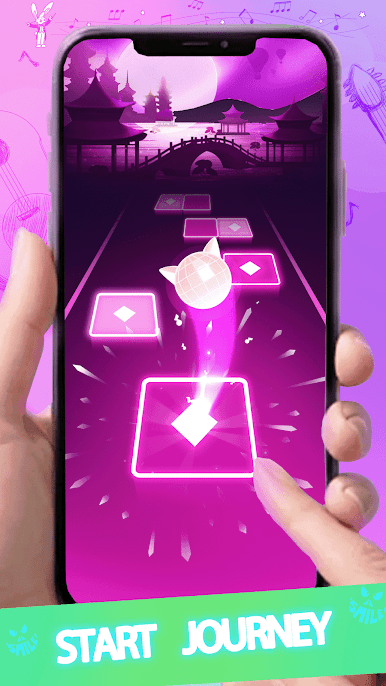
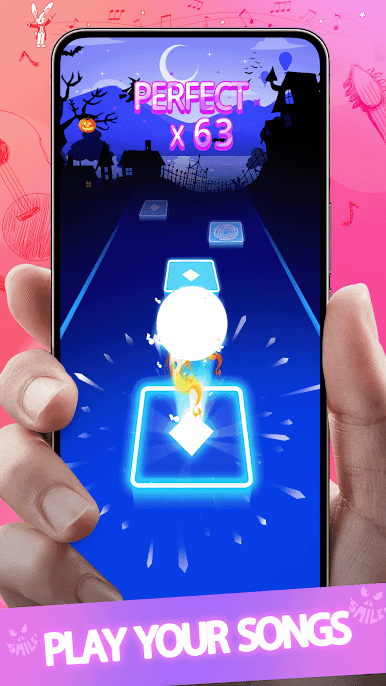
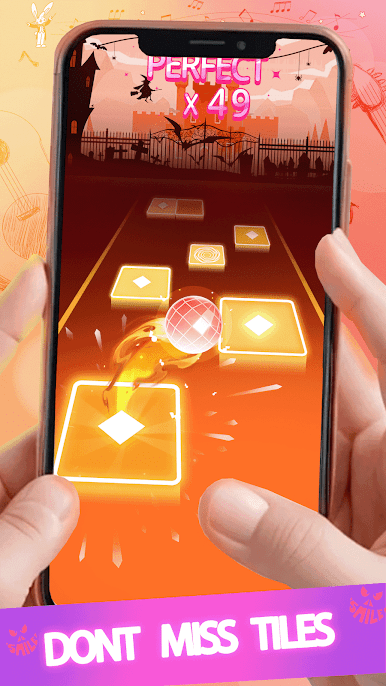
Experience the perfect blend of fast-paced "Rush" gameplay and your favorite "Pop Music" hits. Hold and drag your ball to hop on the magic tiles, match the beat, and show off your rhythm skills!
🌟 Why Beat Ball Rush?
Top Pop Hits: Play with a massive library of trending global songs, updated weekly!
Extreme Rush Mode: Challenge your reflexes with increasing speed and complex tiles.
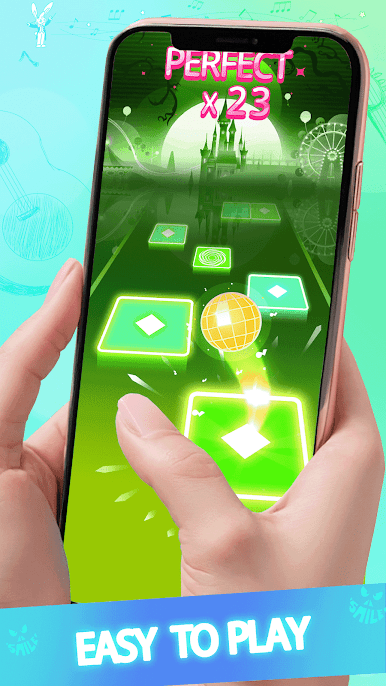
Stunning 3D Visuals: Immerse yourself in cyberpunk, galaxy, and neon themes.
Easy One-Finger Control: Simply hold and drag. Easy to learn, but hard to master!
🎮 How to Master the Beat:
Hold and Drag the ball to make it jump on the tiles.
Follow the rhythm and don’t miss any tiles!
Enjoy the awesome music and addictive challenges.
Join millions of music lovers worldwide! Download Beat Ball Rush: Pop Music now and let the rhythm guide your fingers!
Play Beat Ball Rush: Pop Music on PC. It’s easy to get started.
-
Download and install BlueStacks on your PC
-
Complete Google sign-in to access the Play Store, or do it later
-
Look for Beat Ball Rush: Pop Music in the search bar at the top right corner
-
Click to install Beat Ball Rush: Pop Music from the search results
-
Complete Google sign-in (if you skipped step 2) to install Beat Ball Rush: Pop Music
-
Click the Beat Ball Rush: Pop Music icon on the home screen to start playing


