


Clicker DIY: ASMR Charm Master
Play on PC with BlueStacks – the Android Gaming Platform, trusted by 500M+ gamers.

Page Modified on: Nov 4, 2026
Main Clicker DIY: ASMR Charm Master on PC
Features of the game:
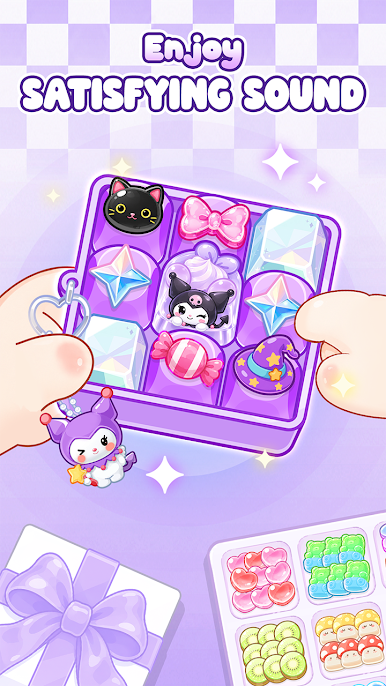
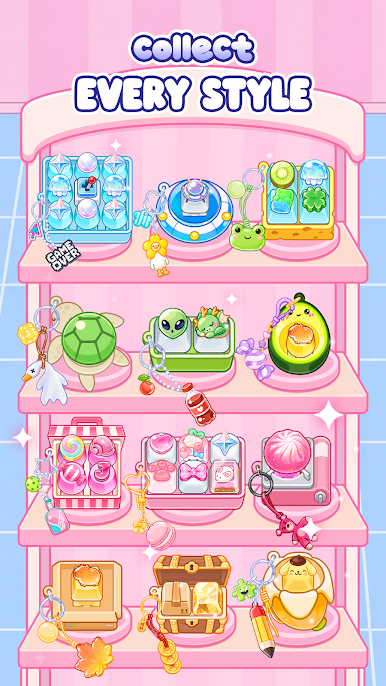
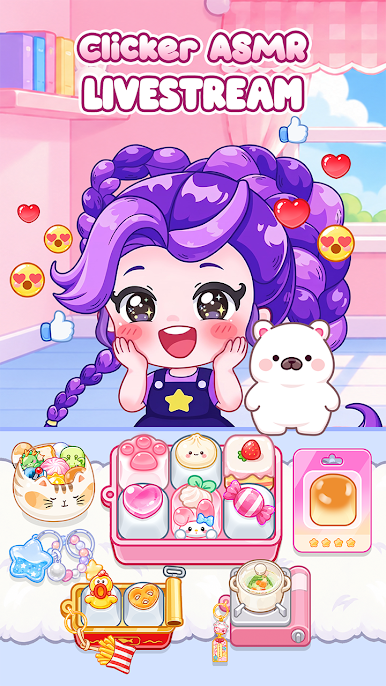
- Pick your favorite keyboard, keycaps, beads, charms, and decorative accessories.
- Mix and match colors, patterns, and tiny details to create a unique design.
- Customize every key and add cute decorations to make your clicker keychain truly yours.
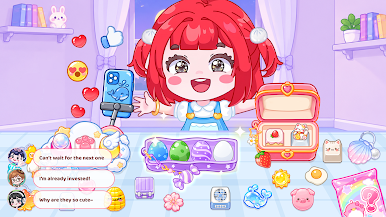
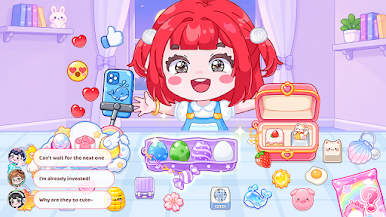
- Fulfill orders, showcase your creations, livestream and earn rewards.
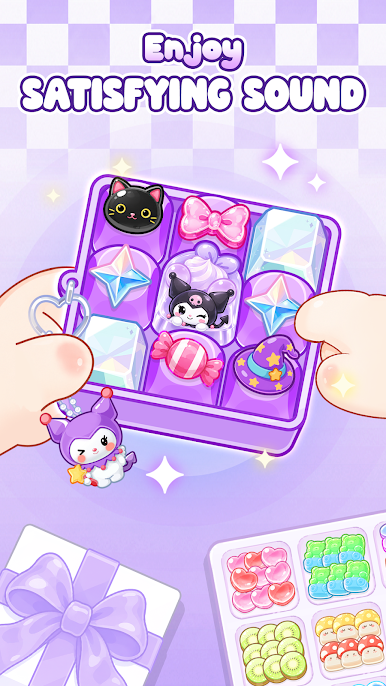
- Enjoy relaxing clicking, tapping, unboxing, and crafting sounds with every action.
Jump into your creative workshop and start creating your clicker. Download Now!
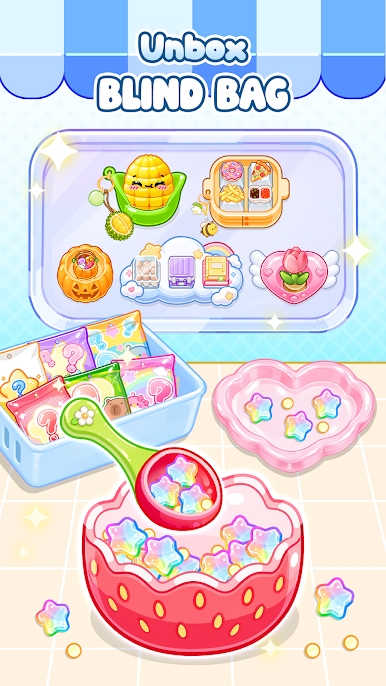
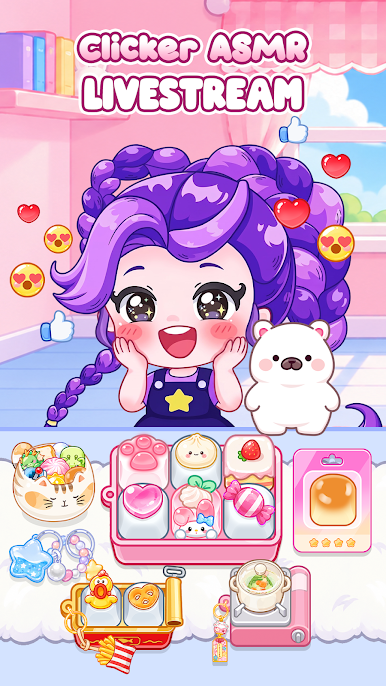
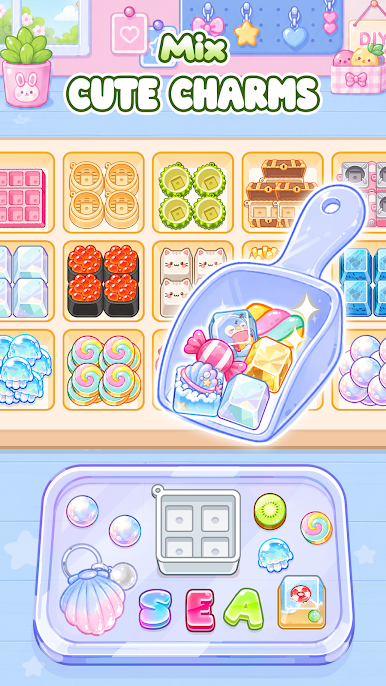
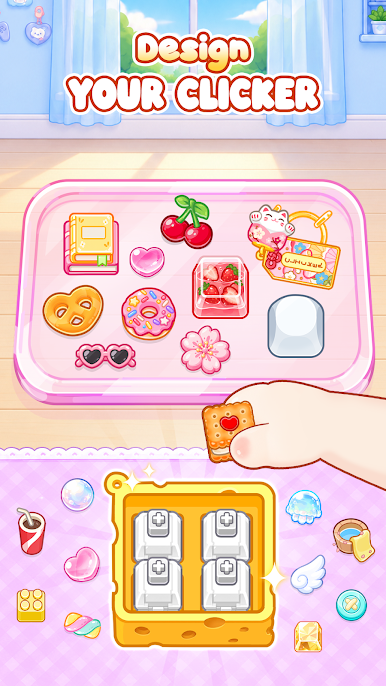
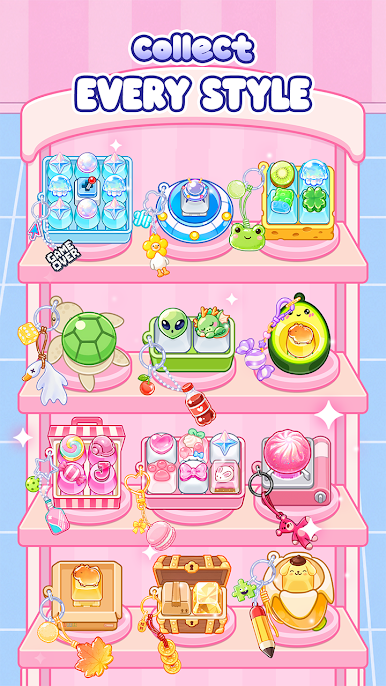
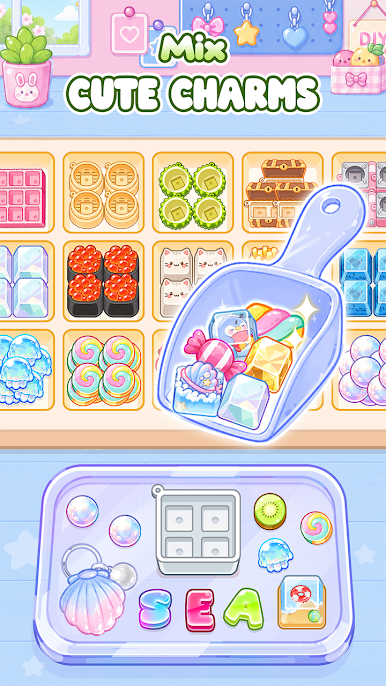
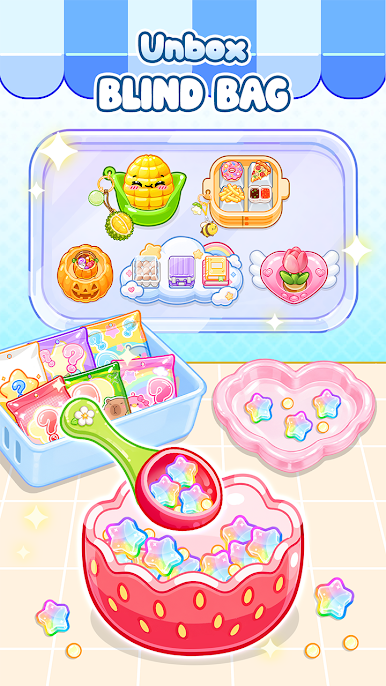
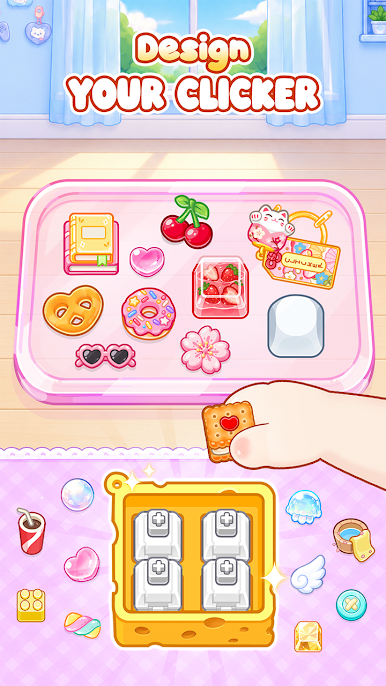
Play Clicker DIY: ASMR Charm Master on PC. It’s easy to get started.
-
Download and install BlueStacks on your PC
-
Complete Google sign-in to access the Play Store, or do it later
-
Look for Clicker DIY: ASMR Charm Master in the search bar at the top right corner
-
Click to install Clicker DIY: ASMR Charm Master from the search results
-
Complete Google sign-in (if you skipped step 2) to install Clicker DIY: ASMR Charm Master
-
Click the Clicker DIY: ASMR Charm Master icon on the home screen to start playing


