


Goodville: Farm Game Adventure
Play on PC with BlueStacks – the Android Gaming Platform, trusted by 500M+ gamers.

Page Modified on: Nov 7, 2026
Overview
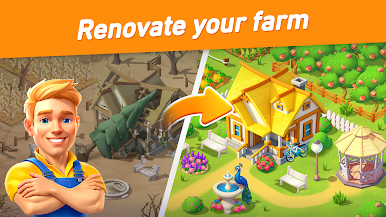
Follow Jane, a young city journalist, as she arrives in Goodville in search of her father. While looking for clues, she restores his farm, helps local residents, and uncovers the town’s secrets.
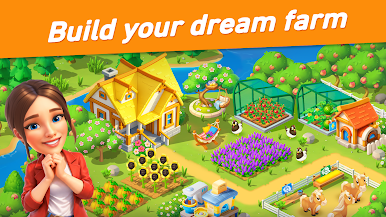
🌾 BUILD YOUR OWN PEACEFUL FARM
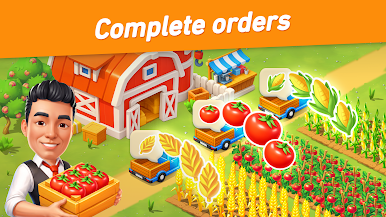
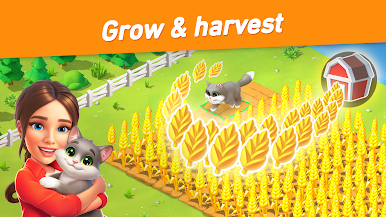
Restore and customize Jane’s family farm to create a welcoming place to call home. Grow and harvest crops, care for animals, milk cows, and craft goods.
Plan your farm activities, gather resources, and fulfill orders—watching your homestead thrive with every task you complete.
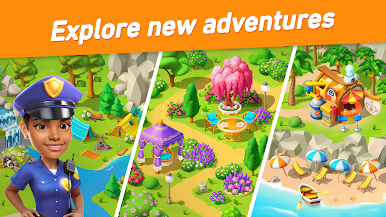
🗺️ EXPLORE THE WORLD OF GOODVILLE
Meet charming characters, help them solve their problems, and discover their stories. Follow clues, complete quests, and explore new locations beyond the farm.
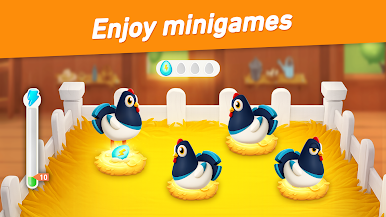
Embark on a new event expedition every week with fresh locations, challenges, and fun mini-games along the way.
Whether you’re taking a quick break or recharging after a busy day, return to your farm and continue your adventure with Jane.
🤝 TRADE AND PLAY TOGETHER
Trade resources with other players—sell your surplus and buy what you need to keep your farm thriving.
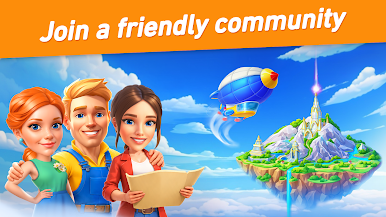
Team up with your clan to complete tasks and take part in friendly competitions.
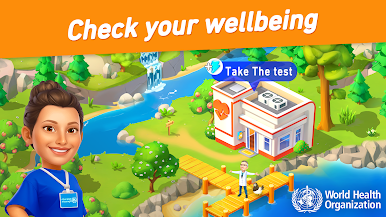
💚 EMOTIONAL WELLBEING THROUGH PLAY
Discover quick self-reflection check-ins, bite-sized lessons, heartfelt conversations with characters, and in-game stories that explore emotional wellbeing.
Created with input from psychologists and scientists, this content is woven naturally into gameplay, offering gentle opportunities to learn and reflect on how you feel.
Since 2022, Goodville has collaborated with the World Health Organization to bring trusted health and wellbeing insights into the game.
ℹ️ GAME INFORMATION
Goodville is free to play with optional in-app purchases.
An internet connection is required to play.
Goodville supports multiple languages, including English, Spanish, Portuguese, French, German, Russian, Japanese, and Korean.
💬 STAY CONNECTED
Facebook:
https://www.facebook.com/goodvillegame
Instagram:
https://www.instagram.com/goodville.official
Health & Wellbeing Blog:
https://www.goodville.me/ewb-blog
Support: [email protected]
Privacy Policy: https://www.goodville.me/privacy-policy
Terms of Use:https://www.goodville.me/terms-of-use

Play Goodville: Farm Game Adventure on PC. It’s easy to get started.
-
Download and install BlueStacks on your PC
-
Complete Google sign-in to access the Play Store, or do it later
-
Look for Goodville: Farm Game Adventure in the search bar at the top right corner
-
Click to install Goodville: Farm Game Adventure from the search results
-
Complete Google sign-in (if you skipped step 2) to install Goodville: Farm Game Adventure
-
Click the Goodville: Farm Game Adventure icon on the home screen to start playing


