


Golden Eleven
Play on PC with BlueStacks – the Android Gaming Platform, trusted by 500M+ gamers.

Page Modified on: Nov 12, 2026
Overview
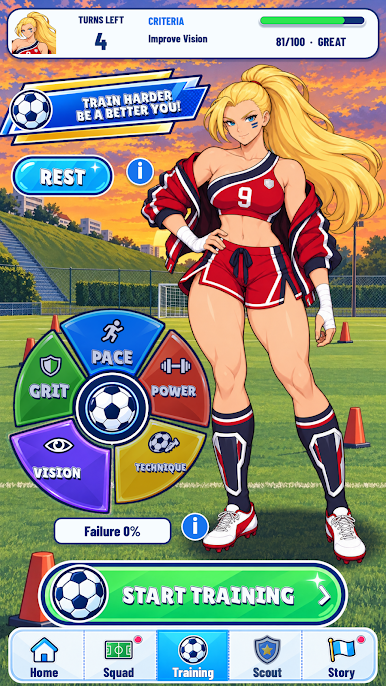
Be the manager of a club filled with colorful football gals. Win new talent at auction, spend training turns improving their skills, and hang out between matches to build bonds and unlock their potential.
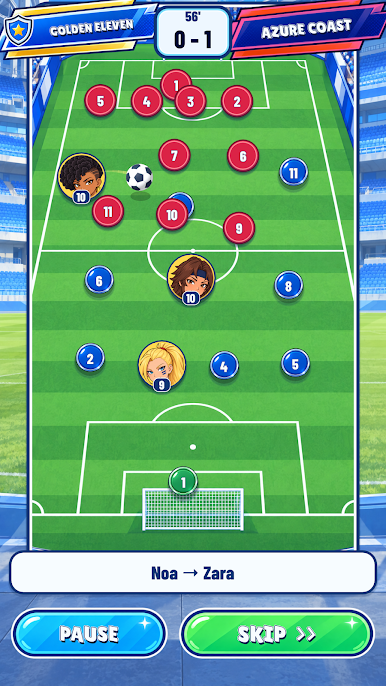
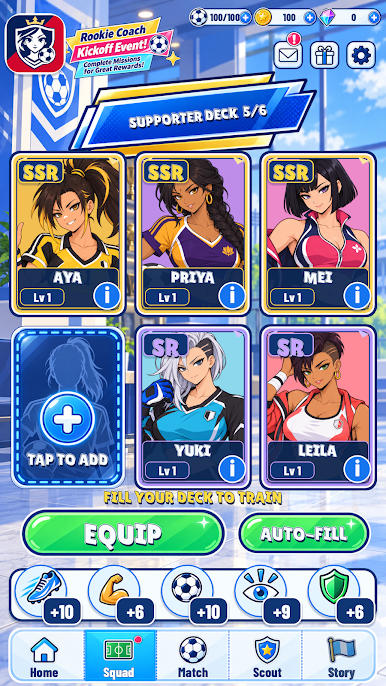
Build a supporter deck, choose your formation, and lock in the match plan before kickoff. Then watch the match play out on a top-down board and see how your training and tactics shape the result.
Every place in the eleven is yours to shape. Bid. Train. Plan. Play. Assemble a squad that could only exist because you brought them together—and lead Golden Eleven to the championship.





Play Golden Eleven on PC. It’s easy to get started.
-
Download and install BlueStacks on your PC
-
Complete Google sign-in to access the Play Store, or do it later
-
Look for Golden Eleven in the search bar at the top right corner
-
Click to install Golden Eleven from the search results
-
Complete Google sign-in (if you skipped step 2) to install Golden Eleven
-
Click the Golden Eleven icon on the home screen to start playing


