


Vorpal Rabbit: Survival RPG
Play on PC with BlueStacks – the Android Gaming Platform, trusted by 500M+ gamers.

Page Modified on: Nov 3, 2026
Play Vorpal Rabbit: Survival RPG on PC
Vorpal Rabbit is an Incremental RPG that combines a deep skill tree, lasting progression, and horde-survival action. Begin your adventure as a small rabbit and turn the rewards you earn into the power to push further.
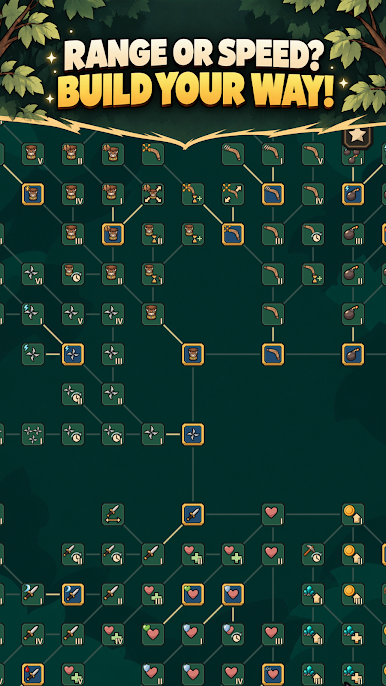
Choose your next upgrade across a branching skill tree. Strengthen your weapons, extend their reach, improve your health and recovery, or invest in earning more resources. Unlock new weapons and abilities to expand your arsenal and change how you fight.
The coins you collect fuel your next upgrades. Purchased skills and unlocked weapons stay with you after each battle, building a stronger foundation for your next attempt. Return to a stage that stopped you, break through the horde, and feel the difference your upgrades make.
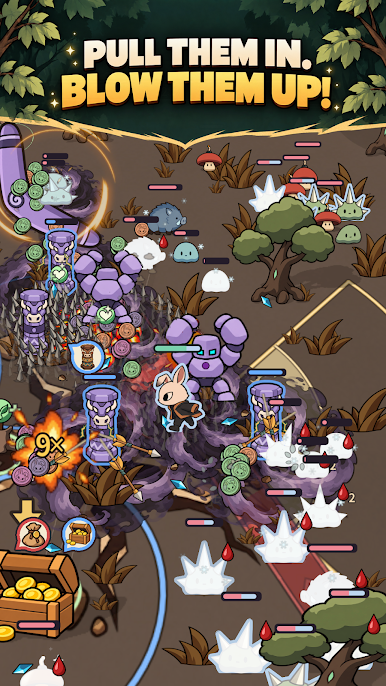
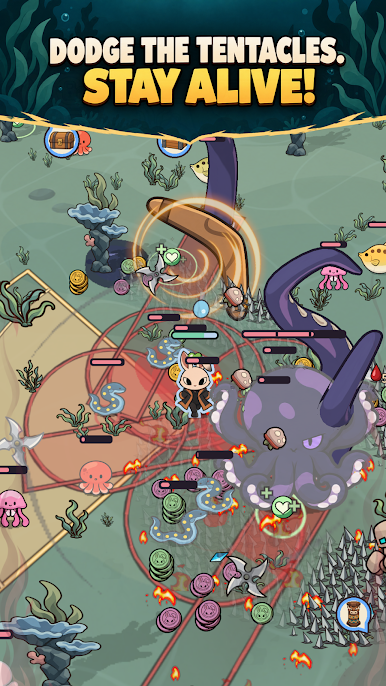
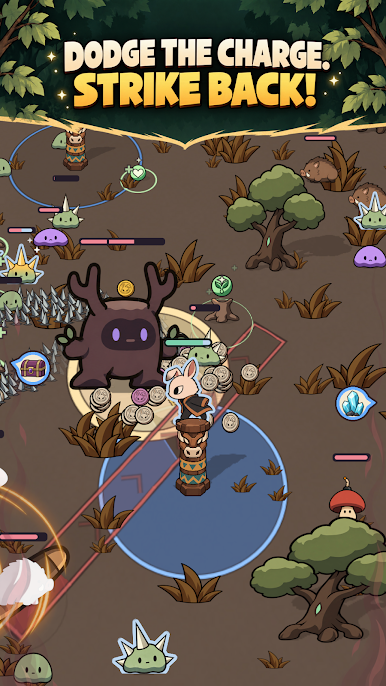
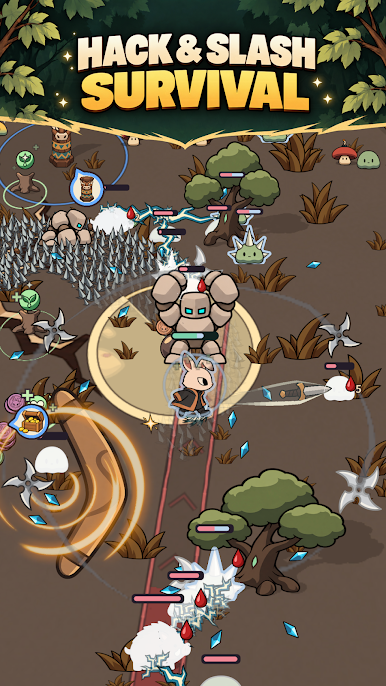
Start with a dagger and unlock bombs, boomerangs, greatswords, and summoned golems. Your weapons attack automatically while you move your rabbit, dodge danger, and find the right position. As your arsenal grows, more attacks fill the battlefield around you.
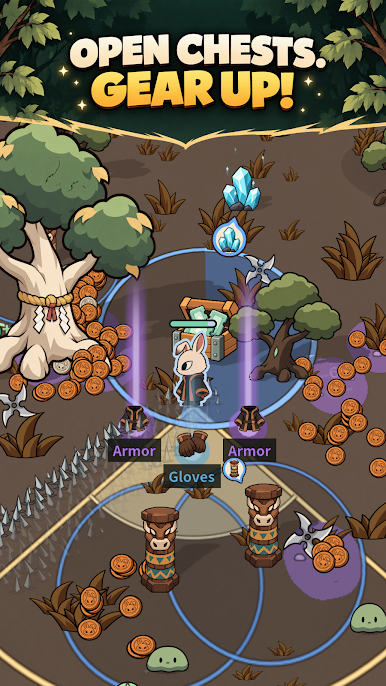
Collect equipment and upgrade your weapons to strengthen your build. Combine unique weapon abilities and set bonuses, then develop your basecamp to supply resources for the adventures ahead.
Your battlefield lies on the bodies of colossal creatures consumed by darkness. Defeat monster hordes and powerful bosses to cleanse corrupted regions. Put your growing strength to the test and press onward to free the giants.

Play Vorpal Rabbit: Survival RPG on PC. It’s easy to get started.
-
Download and install BlueStacks on your PC
-
Complete Google sign-in to access the Play Store, or do it later
-
Look for Vorpal Rabbit: Survival RPG in the search bar at the top right corner
-
Click to install Vorpal Rabbit: Survival RPG from the search results
-
Complete Google sign-in (if you skipped step 2) to install Vorpal Rabbit: Survival RPG
-
Click the Vorpal Rabbit: Survival RPG icon on the home screen to start playing


