


The Last Walk: Survival Story
Play on PC with BlueStacks – the Android Gaming Platform, trusted by 500M+ gamers.

Page Modified on: Nov 3, 2026
Play The Last Walk: Survival Story on PC
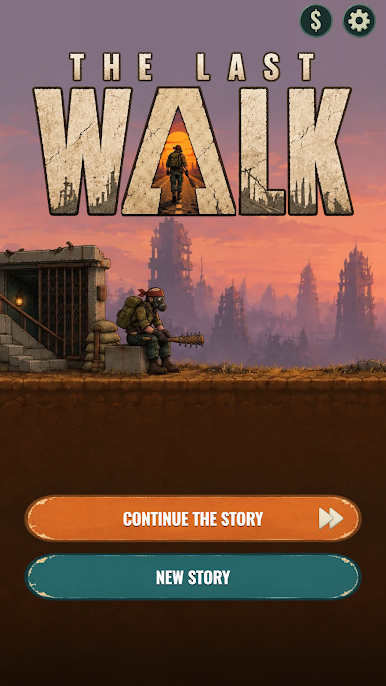
You have 7 days and 300 km of ruined road to reach the port before the last ship leaves. Walk through dead suburbs, empty highways and burnt-out towns, and face whoever is still out there.
EVERY ENCOUNTER IS A CHOICE
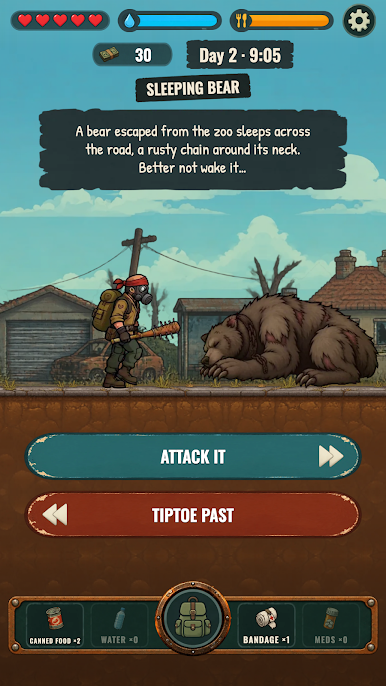
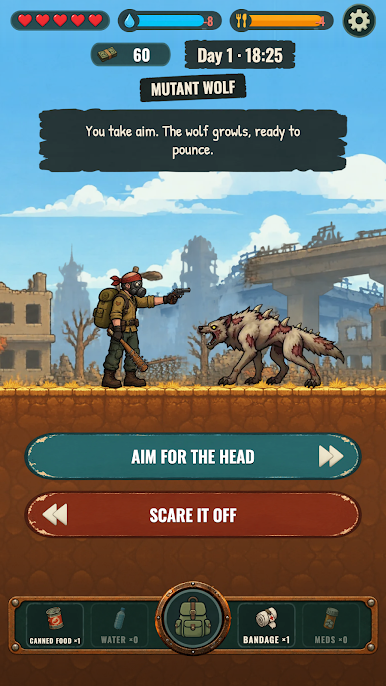
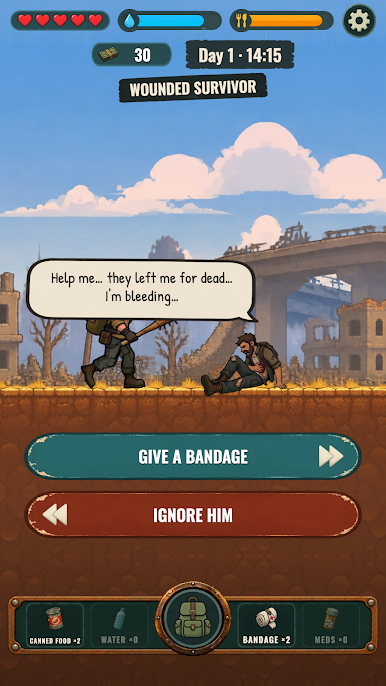
A wounded stranger begs for water. Raiders block the road. A lost child is starving. A supermarket hands out free food, a little too freely. Swipe left or right: help or walk away, fight or run, trust or lie. Every choice changes your supplies, your health and who you become.
SURVIVE THE ROAD
- Manage water, food and health: the road drains them every hour.
- Find, buy and sell gear: bandages, food, a bat, a crowbar, a revolver.
- Upgrade and reload your weapons at the traders.
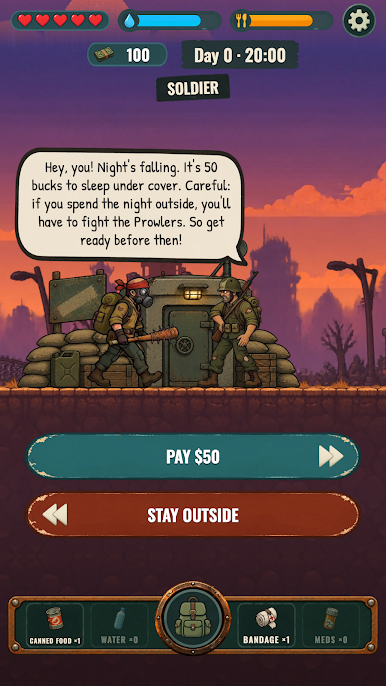
- Find a shelter before nightfall: nobody survives a night outside.
- Meet people who walk with you, for a while.
YOUR HUMANITY DECIDES THE ENDING
Help others and they may remember you. Keep everything for yourself and you may live, alone. Die, and the wasteland wins.
A short, tense survival story told in a pixel-art scrolling world, with real choices and no right answer.
Available in 31 languages.
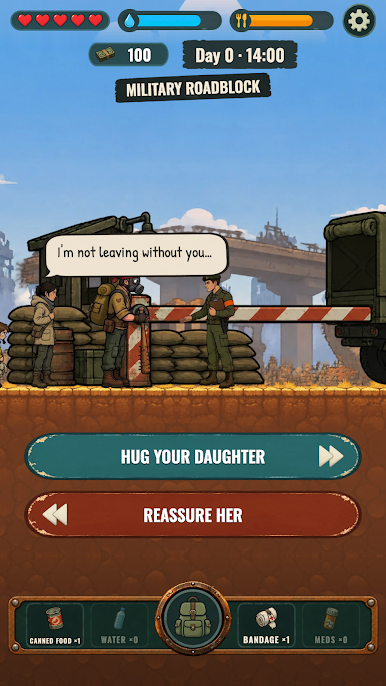
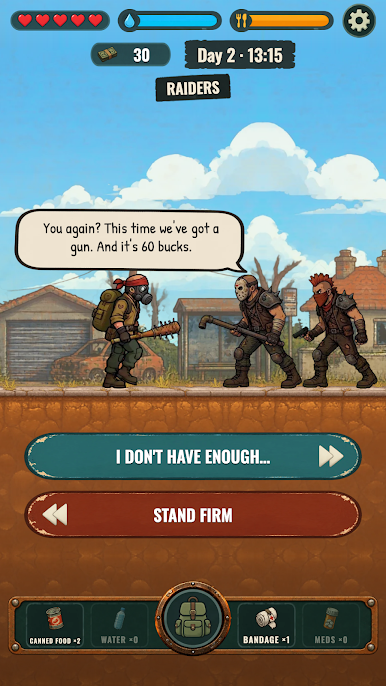
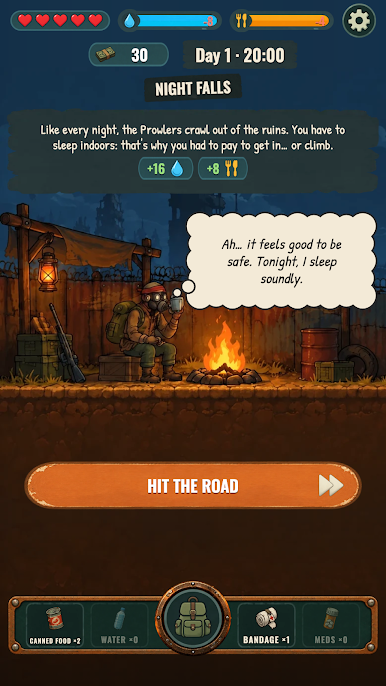
Play The Last Walk: Survival Story on PC. It’s easy to get started.
-
Download and install BlueStacks on your PC
-
Complete Google sign-in to access the Play Store, or do it later
-
Look for The Last Walk: Survival Story in the search bar at the top right corner
-
Click to install The Last Walk: Survival Story from the search results
-
Complete Google sign-in (if you skipped step 2) to install The Last Walk: Survival Story
-
Click the The Last Walk: Survival Story icon on the home screen to start playing


