

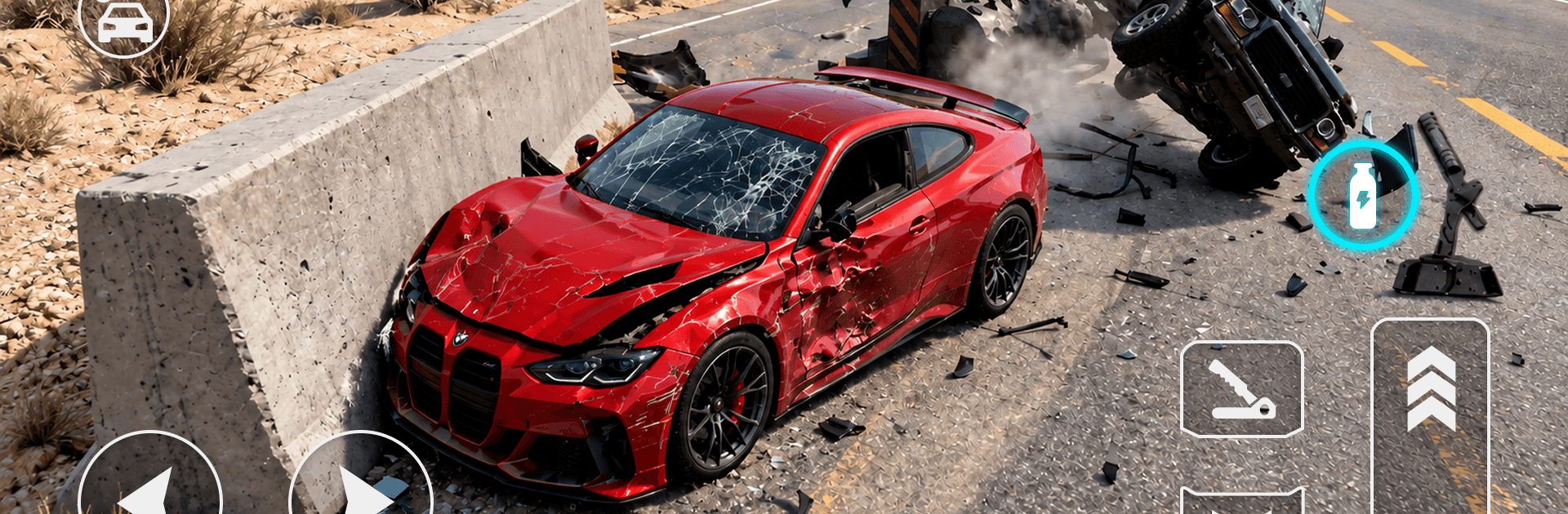
Car Crash: Extreme Jump Test
Play on PC with BlueStacks – the Android Gaming Platform, trusted by 500M+ gamers.

Page Modified on: Nov 2, 2026
Play Car Crash: Extreme Jump Test on PC or Mac
Explore a whole new adventure with Car Crash: Extreme Jump Test, a Racing game created by LevelXGames. Experience great gameplay with BlueStacks, the most popular gaming platform to play Android games on your PC or Mac.
About the Game
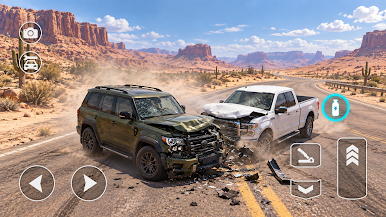
Car Crash: Extreme Jump Test is all about throttle, airtime, and the kind of landings that make you wince and grin at the same time. It’s a physics-fueled playground where you send beefy cars off massive ramps, try to stick the landing, and sometimes just embrace the wreck. If you like your Racing loud, fast, and a little chaotic, it feels great—especially on BlueStacks if you prefer a bigger view and crisp controls.
Game Features
- Gravity-defying jumps: Launch off oversized ramps, steer midair, and fight for a clean touchdown—or go out in spectacular fashion and learn from the mess.
- Skill-first driving: Every level mixes ramp angles, gaps, and landing zones; read the setup, manage speed, and time takeoff and tilt to nail the run.
- Satisfying destruction: Hard hits twist, crunch, and crumple your ride; different speeds and angles create unique crash results that change how a level plays out.
- Stunt-friendly layouts: Thread between obstacles, clear sneaky gaps, and use longer flights to reach tough spots hidden behind tricky routes.
- Easy-to-grasp controls: Focus on throttle, steering, and timing without clutter; the challenge comes from the course design, not button gymnastics.
- Progress that pushes back: As you advance, jumps grow wilder, obstacles get nastier, and consistency matters more than raw speed.
- Experiment and iterate: Tweak your run-up, adjust momentum, and try new lines until you find the cleanest path to the goal.
- Physics that matter: Weight, speed, and impact decide how far you fly and how brutally you land, turning each attempt into a fresh test.
- Punchy rides to launch: Feel the torque as you build speed for takeoff, then use precise inputs to guide every flip, twist, and scrape.
Get ready for a buttery smooth, high-performance gaming action only on BlueStacks.
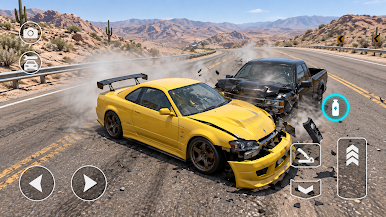
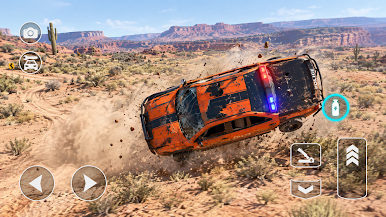
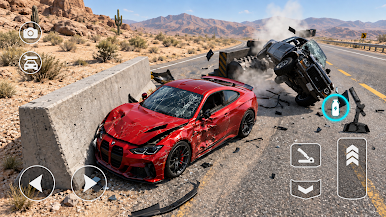
Play Car Crash: Extreme Jump Test on PC. It’s easy to get started.
-
Download and install BlueStacks on your PC
-
Complete Google sign-in to access the Play Store, or do it later
-
Look for Car Crash: Extreme Jump Test in the search bar at the top right corner
-
Click to install Car Crash: Extreme Jump Test from the search results
-
Complete Google sign-in (if you skipped step 2) to install Car Crash: Extreme Jump Test
-
Click the Car Crash: Extreme Jump Test icon on the home screen to start playing


