


3ball
Play on PC with BlueStacks – the Android Gaming Platform, trusted by 500M+ gamers.

Page Modified on: Nov 6, 2026
Play 3ball on PC
CLIMB THE LADDER
Every win moves you up against tougher opponents. Dominate a game and you'll climb faster. Lose, and the run starts all over again.
TAKE OVER EVERY COURT
Each court is harder than the last, with better rewards for those who can handle it. Think you've mastered one? The next one will test you.
CASH OUT AND LEVEL UP
Win coins and skill points after every game. Spend them on new gear and upgrades to build a player that's all yours.
PLAY YOUR WAY
- Quick matches you can play anywhere
- Instant replays of your best moments
- Adjustable sensitivity, vibration, graphics and sound
3ball is free to play. An optional in-app purchase removes forced ads between games; optional reward ads stay available if you want extra coins.
Questions or feedback? Reach us through Settings → Support on the main menu.
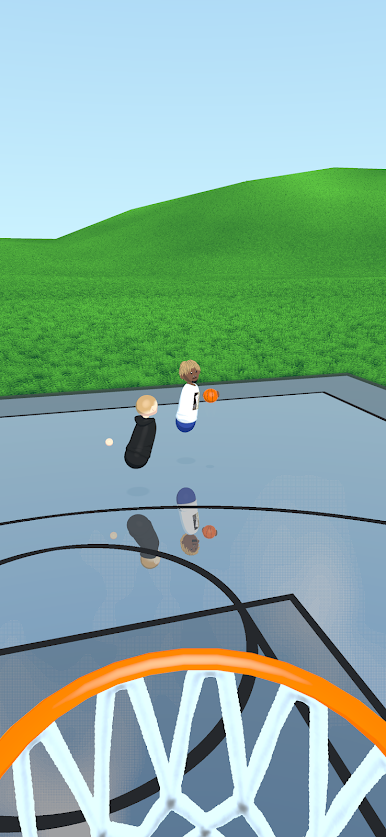
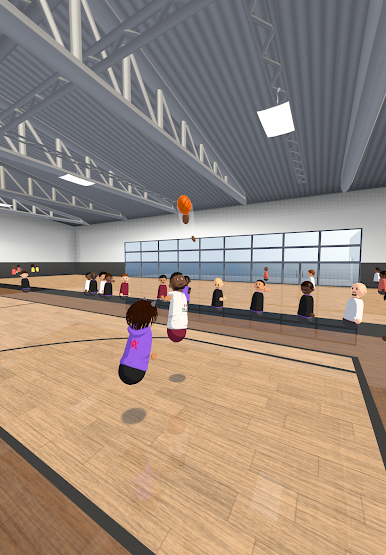
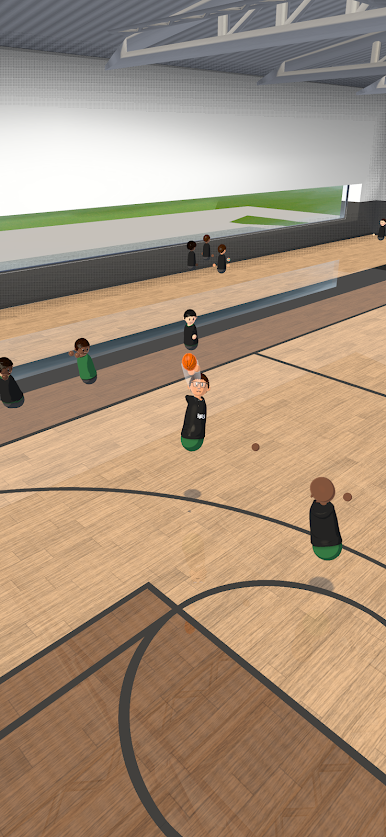
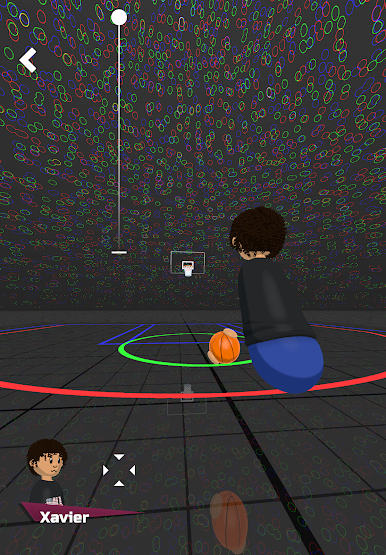
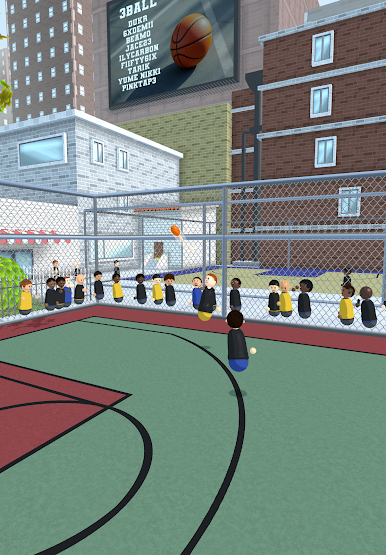
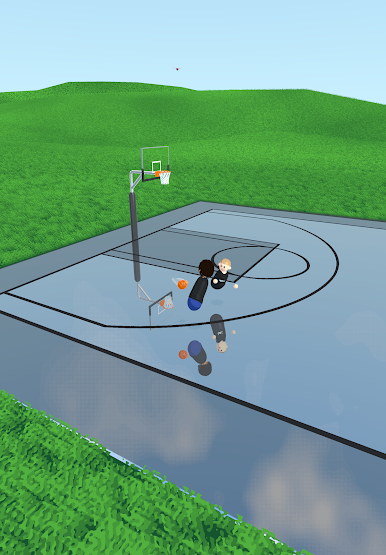
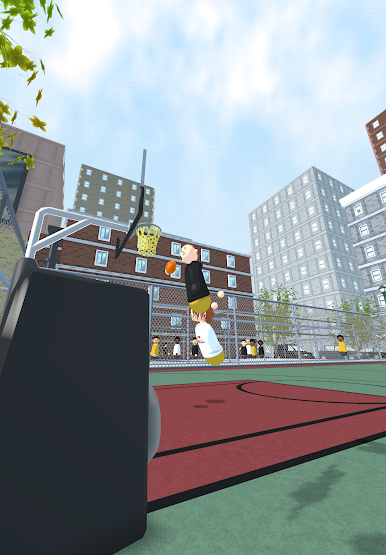
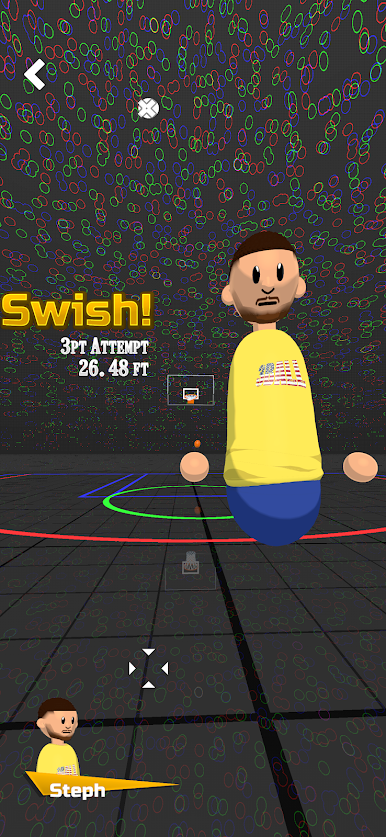
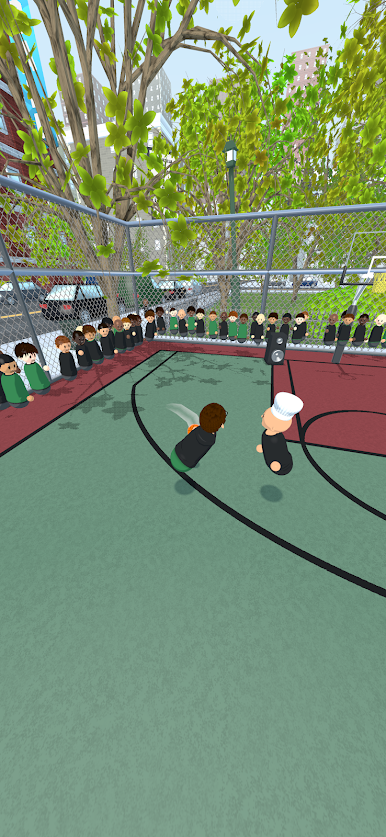
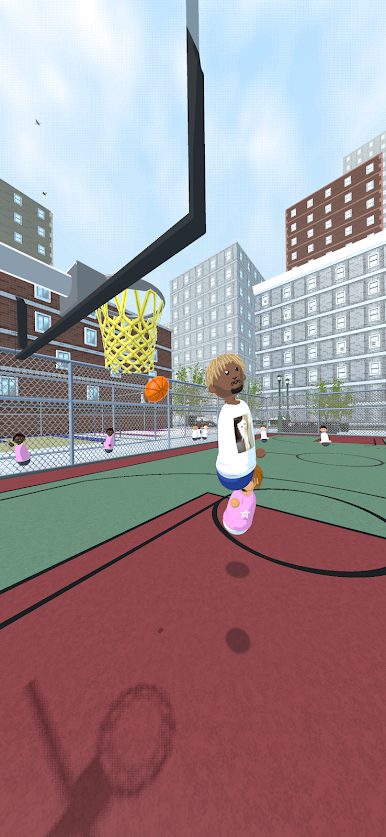
Play 3ball on PC. It’s easy to get started.
-
Download and install BlueStacks on your PC
-
Complete Google sign-in to access the Play Store, or do it later
-
Look for 3ball in the search bar at the top right corner
-
Click to install 3ball from the search results
-
Complete Google sign-in (if you skipped step 2) to install 3ball
-
Click the 3ball icon on the home screen to start playing


