


Survival War
Play on PC with BlueStacks – the Android Gaming Platform, trusted by 500M+ gamers.

Page Modified on: Nov 9, 2026
Main Survival War on PC
A secret bioweapon experiment has gone wrong.
The zombie virus has consumed Hadforth, a sealed-off industrial town filled with infected streets, ruined shelters, abandoned hospitals, and underground labs.
Now three forces fight for control:
The National Guard wants to contain the outbreak.
Wilmed Biopharma wants to recover samples and erase the evidence.
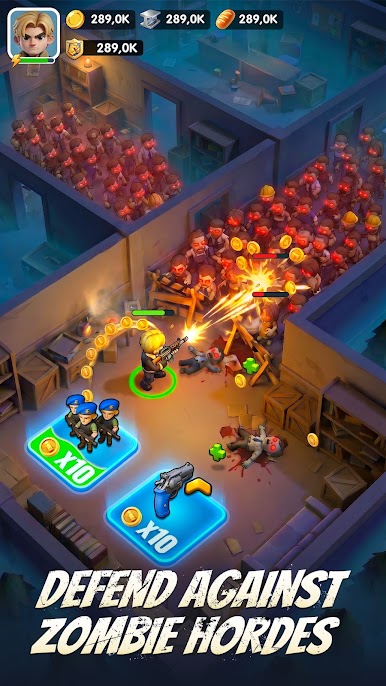
The infected swarm wants to spread, evolve, and consume everything.
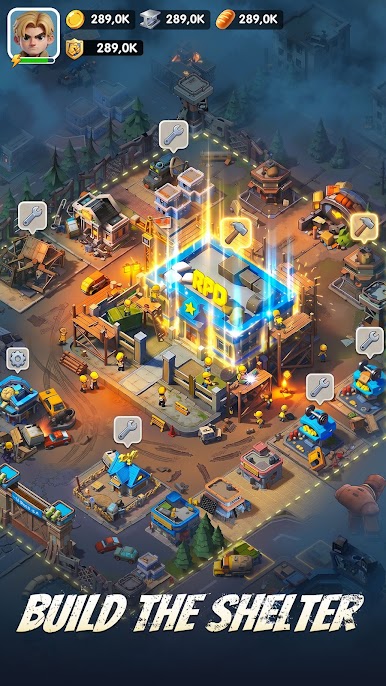
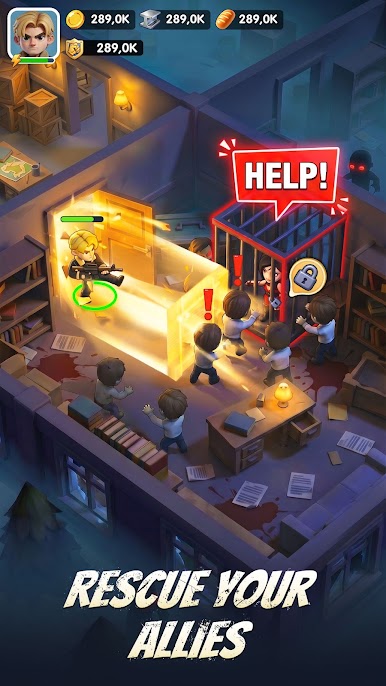
Build your shelter, recruit heroes, search for resources, and lead your squad through deadly outbreak zones. Every mission is a choice: scavenge deeper, fight harder, or extract before you lose everything.
Game Features
Build and upgrade your shelter to survive the apocalypse.
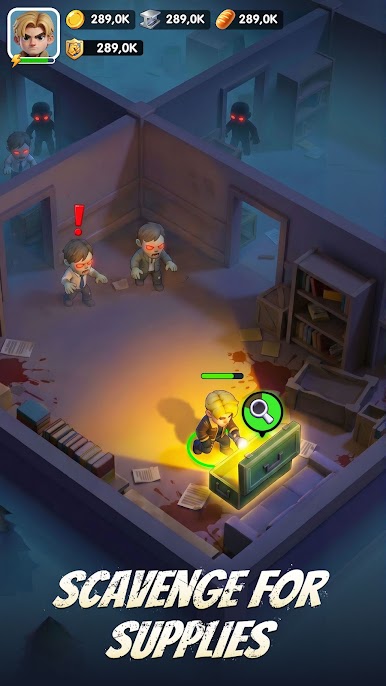
Search abandoned zones for food, supplies, weapons, and rare resources.
Experience search-fight-extract gameplay where every run brings danger and reward.
Train and upgrade heroes with unique skills and squad roles.
Capture key locations and fight tactical battles for control of the town.
Face zombies, mutants, infected nests, and rival factions.
Choose how the outbreak ends: cleanse it, control it, or let it spread.
In this post-apocalyptic zombie survival strategy game, every resource matters, every hero counts, and every expedition could be your last.
Take command, build your shelter, and survive the dead zone.
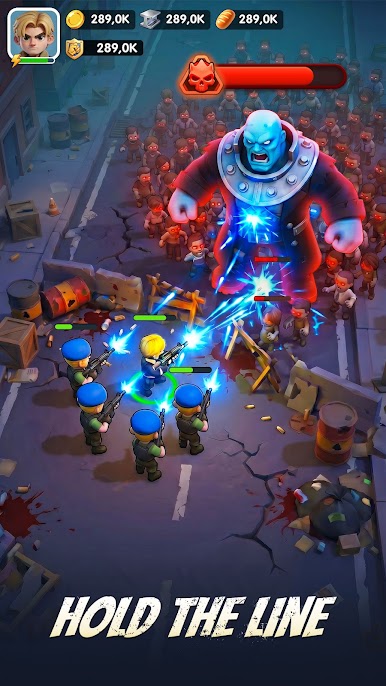
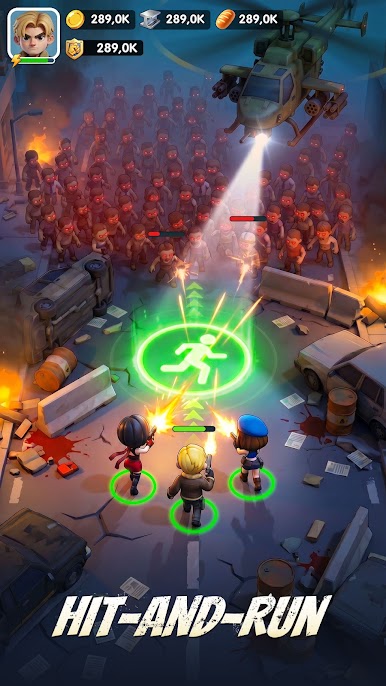

Play Survival War on PC. It’s easy to get started.
-
Download and install BlueStacks on your PC
-
Complete Google sign-in to access the Play Store, or do it later
-
Look for Survival War in the search bar at the top right corner
-
Click to install Survival War from the search results
-
Complete Google sign-in (if you skipped step 2) to install Survival War
-
Click the Survival War icon on the home screen to start playing


