

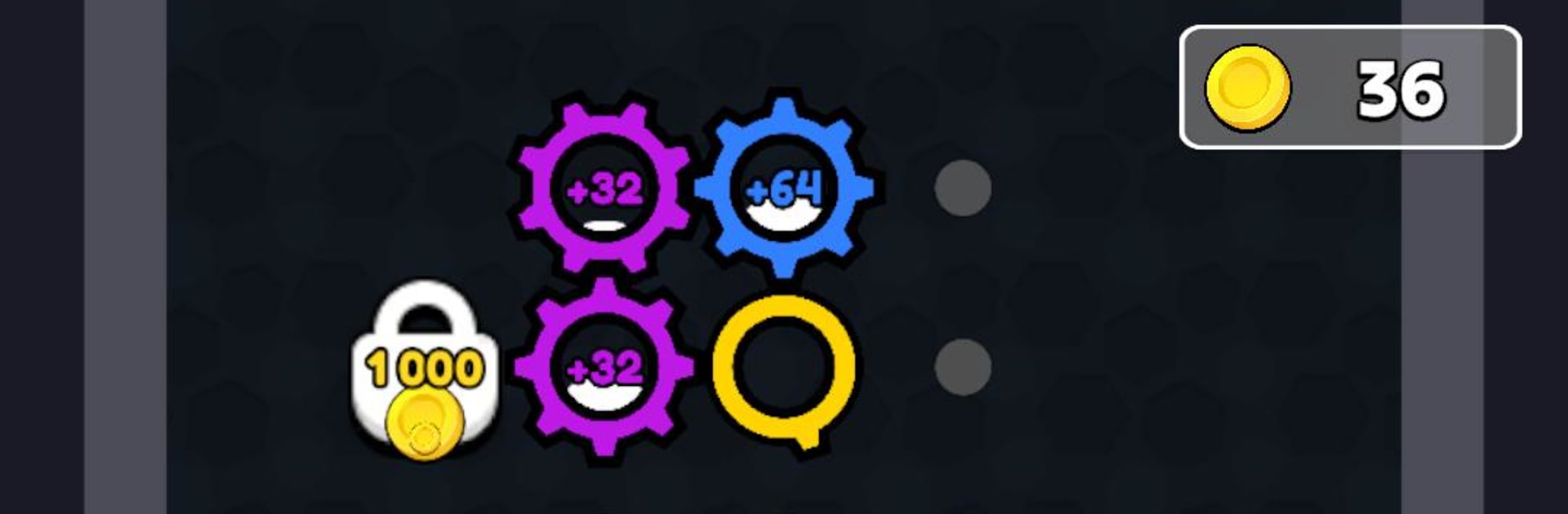
Gear Craft
Play on PC with BlueStacks – the Android Gaming Platform, trusted by 500M+ gamers.

Page Modified on: Oct 31, 2026
Play Gear Craft on PC or Mac
Gear Craft brings the Arcade genre to life, and throws up exciting challenges for gamers. Developed by EMKR Games, this Android game is best experienced on BlueStacks, the World’s #1 app player for PC and Mac users.
About the Game
Gear Craft is a snappy, satisfying Arcade game about building a wild mining rig and turning raw rock into pure profit. You’ll tune a web of gears that slings pickaxes into the ground, crack open rich veins, and funnel the cash back into smarter parts and better tools. It’s easy to start, surprisingly strategic once you dig in, and feels great on a bigger screen with BlueStacks.
Game Features
- Gear-powered rig: Link and position rotating wheels to trigger rapid-fire pickaxe launches, then fine-tune speed and placement to chew through tougher layers.
- Deep resource hunt: Cut through strata packed with coal, iron, gold, diamonds, and rarer finds the farther you go.
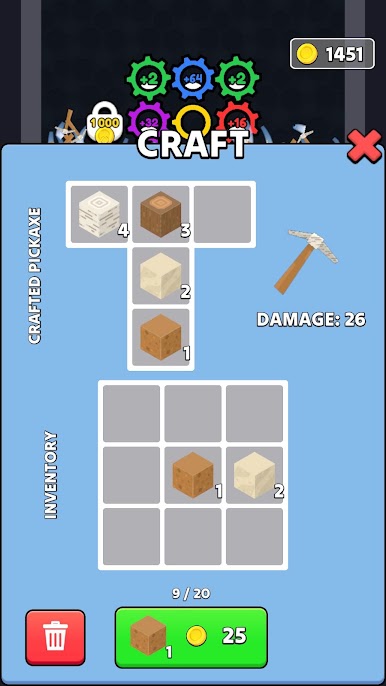
- Craft-your-pickaxe: Forge custom pickaxes from the ores you collect; experiment with materials to tweak power, durability, and overall efficiency.
- Smarter upgrades: Boost rotation speed, enlarge gears, sharpen pickaxes, and unlock tweaks that change how your whole setup performs.
- Tactile mining loop: Watch blocks crumble, hear crisp hits, and see payouts stack as your machine hits a smooth rhythm.
- Strategy in spending: Weigh quick cash upgrades against saving materials for a stronger craft later—both paths pay off, just differently.
- One-hand friendly controls: Tap to place parts, claim earnings, and queue crafts—clean interface, minimal fuss, all the tinkering you want.
- Built for quick sessions: Hop in for a few drills or settle in to rework your layout; steady progress rewards both play styles.
- Pushing deeper: Denser rock demands smarter layouts and timing, nudging you to refine synergy between gears, pickaxes, and power boosts.
Start playing Gear Craft on BlueStacks and get a smoother, more comfortable PC or Mac setup.
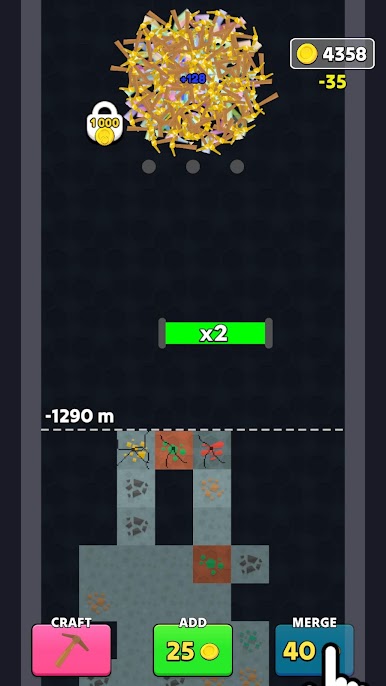
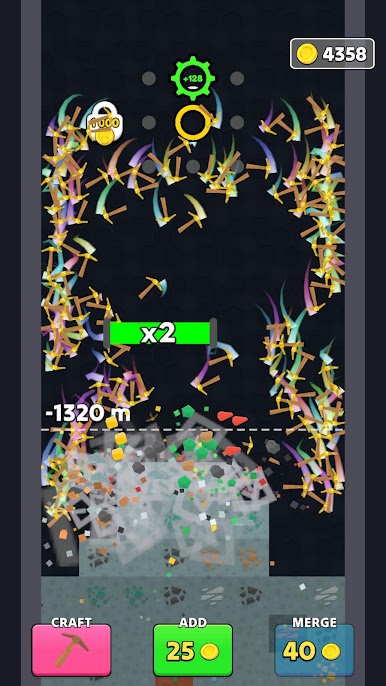
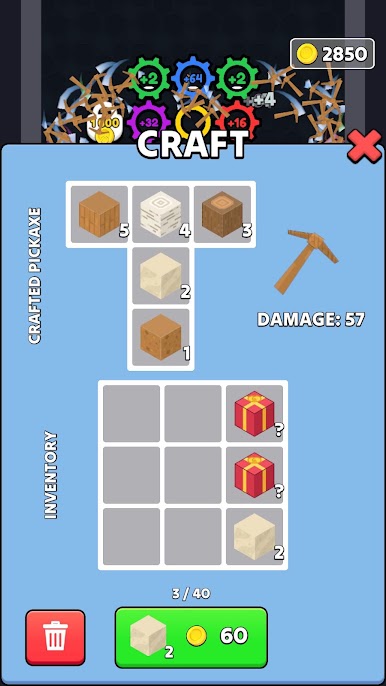
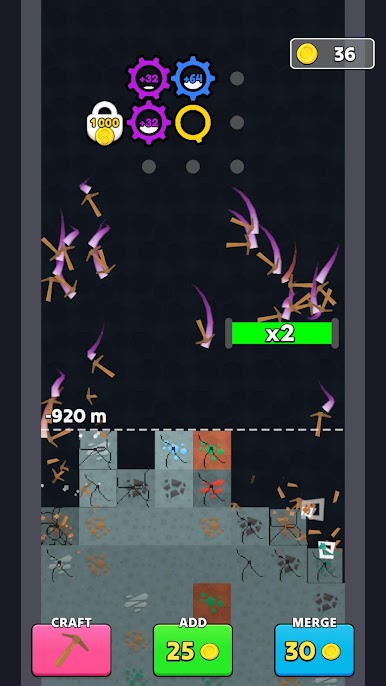
Play Gear Craft on PC. It’s easy to get started.
-
Download and install BlueStacks on your PC
-
Complete Google sign-in to access the Play Store, or do it later
-
Look for Gear Craft in the search bar at the top right corner
-
Click to install Gear Craft from the search results
-
Complete Google sign-in (if you skipped step 2) to install Gear Craft
-
Click the Gear Craft icon on the home screen to start playing


